
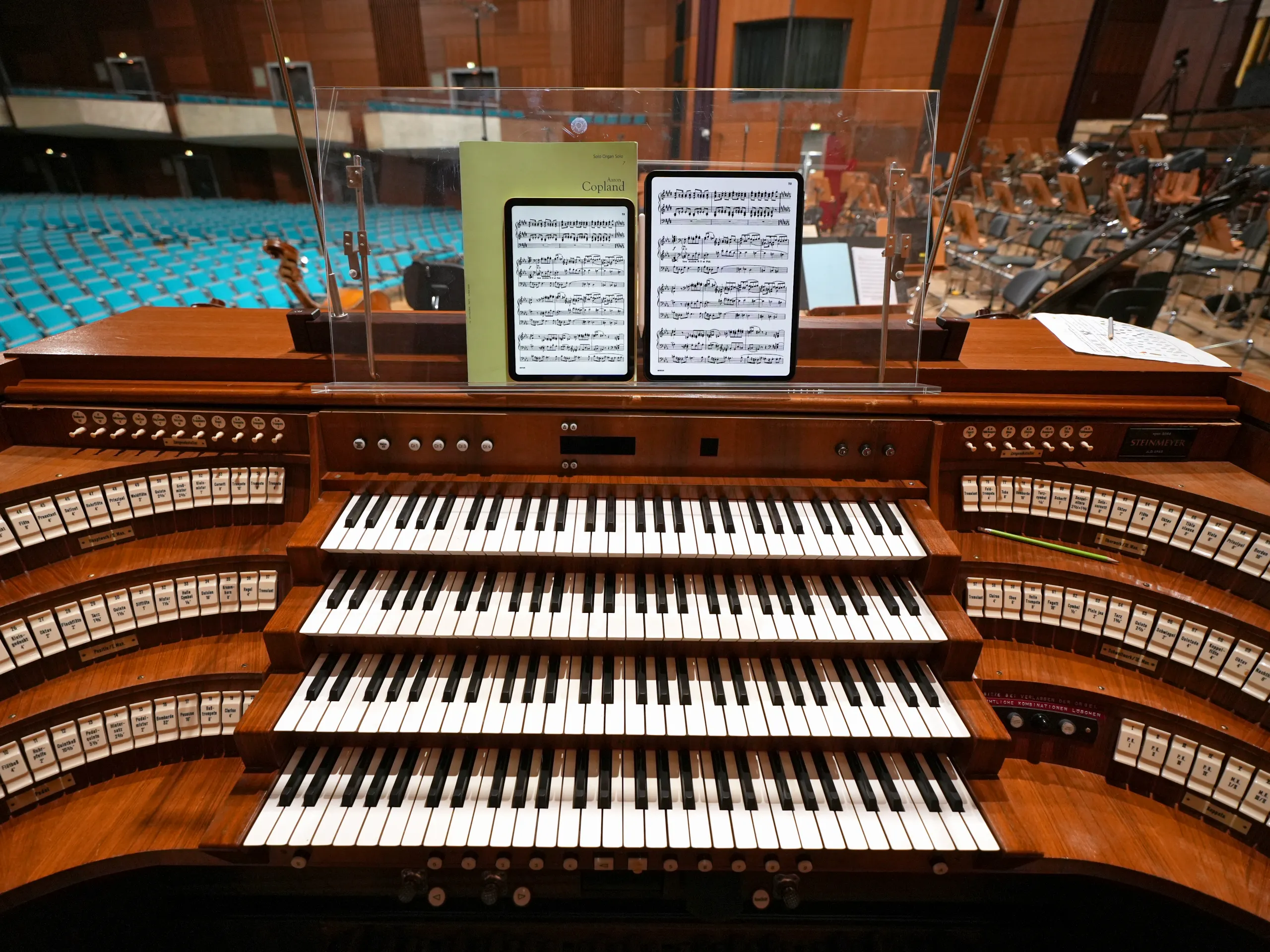
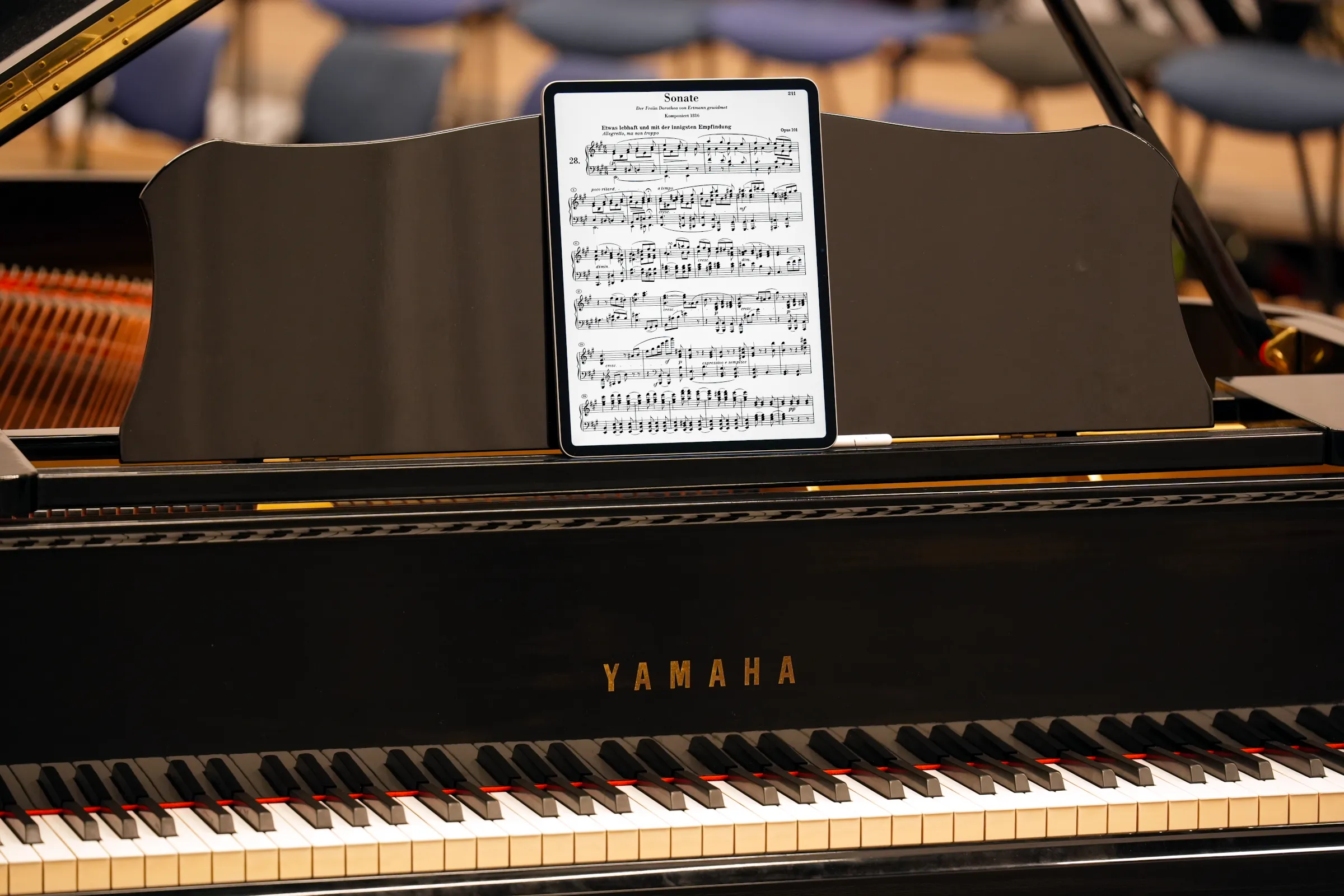
Screen size is a determining factor when choosing an iPad. This is particularly true when there is a certain distance between the instrumentalist and the sheet music. Photo: tablets-for-musicians.com
The Best iPads for Sheet Music in 2026
Last updated on June 26, 2026
As an orchestra and chamber musician, I use an iPad to read digital sheet music for my daily practice, as well as for rehearsals and concerts.
I’ve tested almost every iPad model and major sheet music app over the past few years, along with accessories like page-turning pedals and iPad stands. Here’s what I’ve learned.
I am registered with the Amazon Associates Program. This website contains Amazon affiliate links (marked with a star). If you click on one of these links and make a purchase, I may receive a commission from Amazon.
I am also enrolled in the Thomann Affiliate Program.
Clicking on an affiliate link does not change the price you pay, and will help me continue to test tablets and e-readers. Thank you for your trust and support!
 I am a classical musician (violist) with 20 years of professional experience in orchestra and chamber music. For many years, I have helped colleagues, students, and fellow musicians choose the right iPad.
Along with the many positives of using tablets, I’ve also seen the negatives: iPads crashing just before going on stage, batteries dying during long rehearsal days, and page-turner pedals going missing right before a concert.
I use as many different tablets and iPads as possible in my real life as a musician: practicing, rehearsing, and performing.
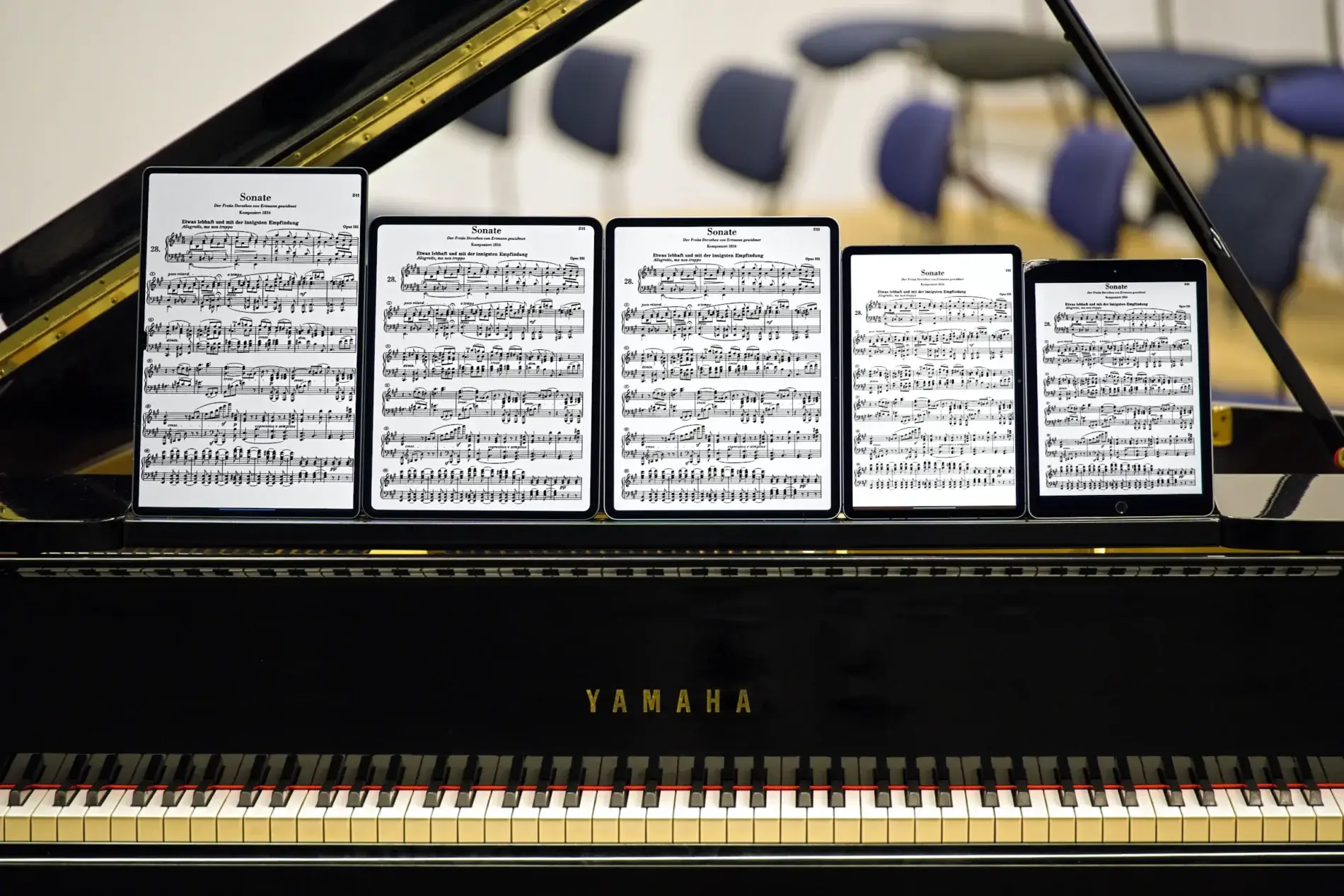
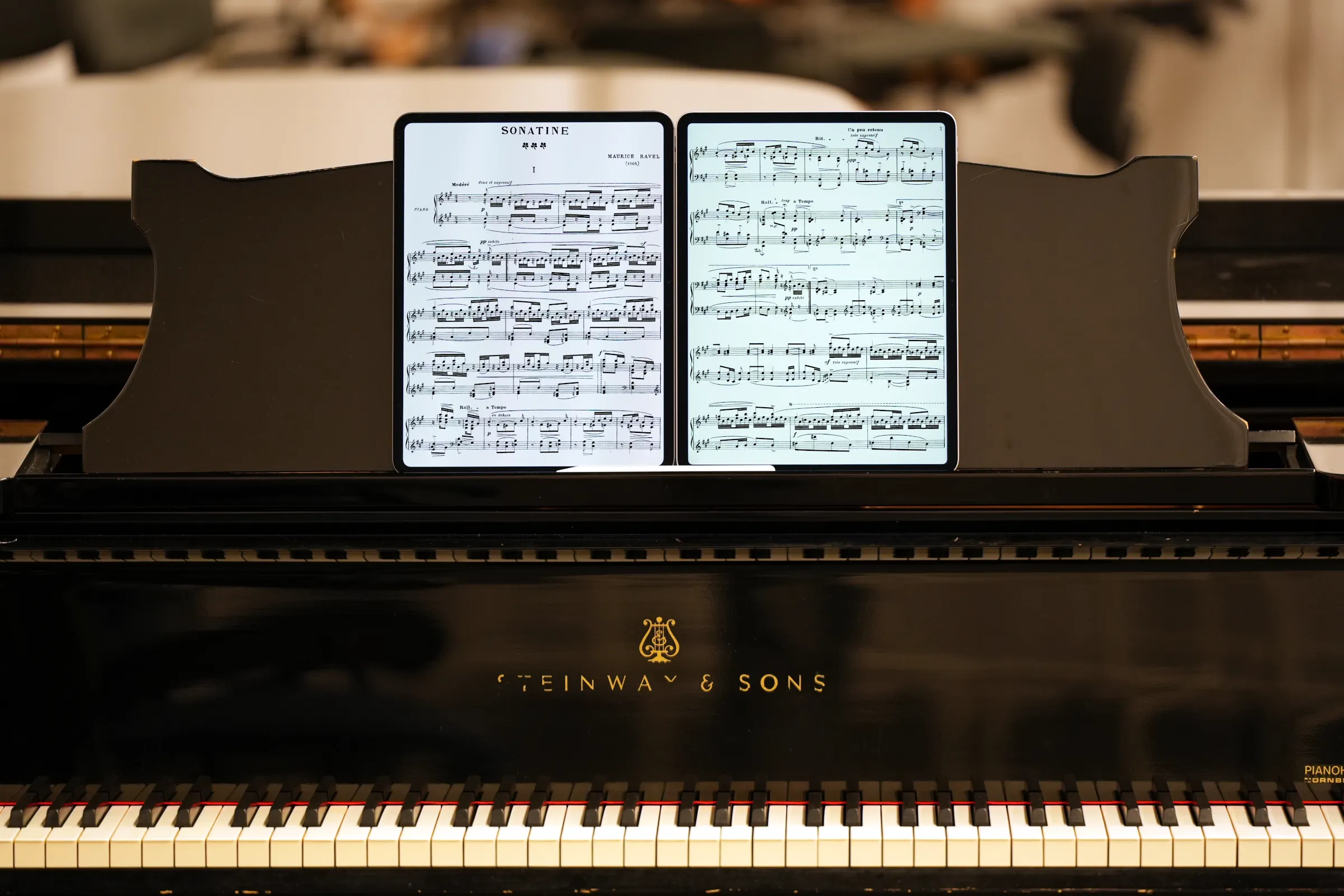
Five tablets displaying sheet music on a piano. Only three of them are iPads. Photo: tablets-for-musicians.com
I buy the iPads, tablets, and e-readers with my own money and use them for as long as I like. This means that my reviews are always independent, long-term, and based on real-world use.
Who is this article for?
While this article is primarily aimed at musicians getting started with digital sheet music, I think even seasoned iPad users will pick up a few useful tips.
The transition from paper to digital sheet music can be intimidating, but getting started is easier than it looks, and it’s worth the effort. Best of all, you don’t have to do everything at once: it’s entirely possible (and even advisable) to take it one step at a time.
1. iPad for sheet music: Which size should you get?
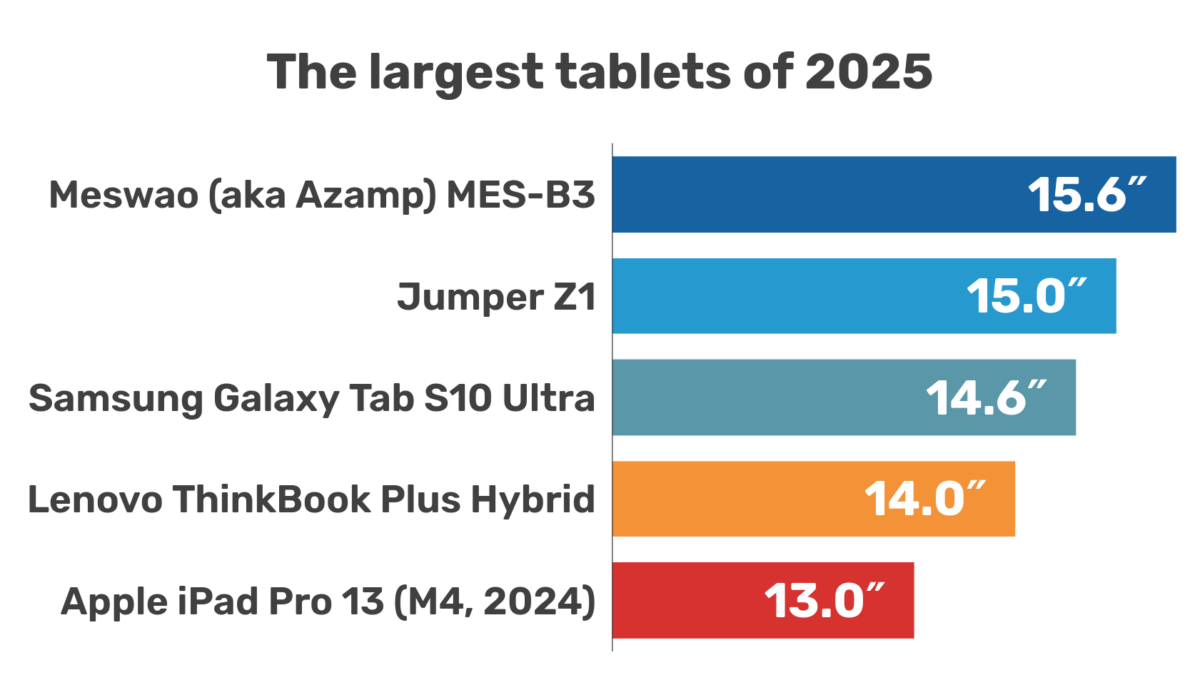
Apple’s iPad lineup is not exactly easy to understand, and the models released between 2024 and 2026 have made things even more confusing.
If you’re not familiar with the iPad lineup, hang on, because it’s complicated! I’m going to focus on screen size, because it’s by far the most important feature for reading sheet music.
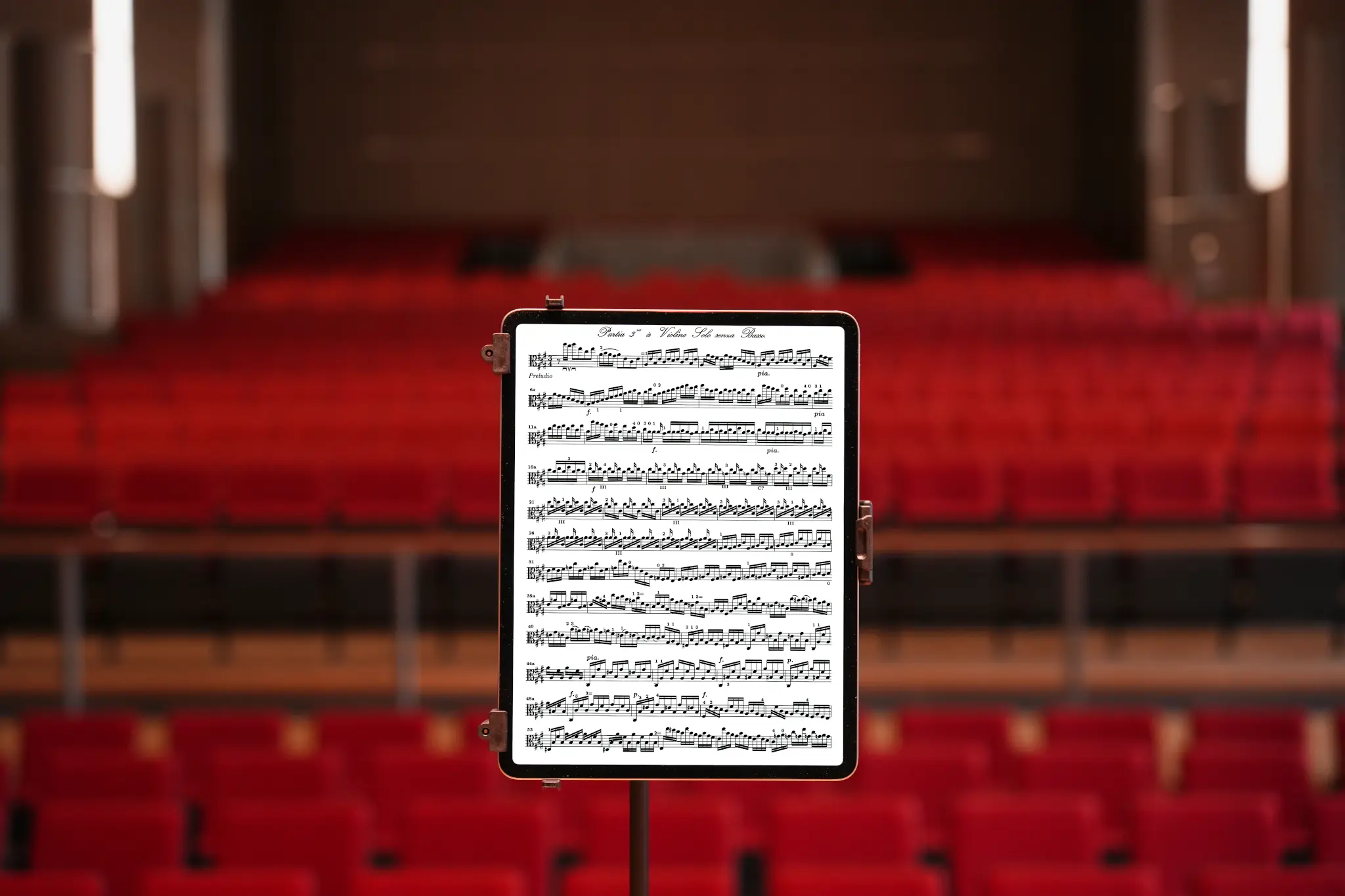
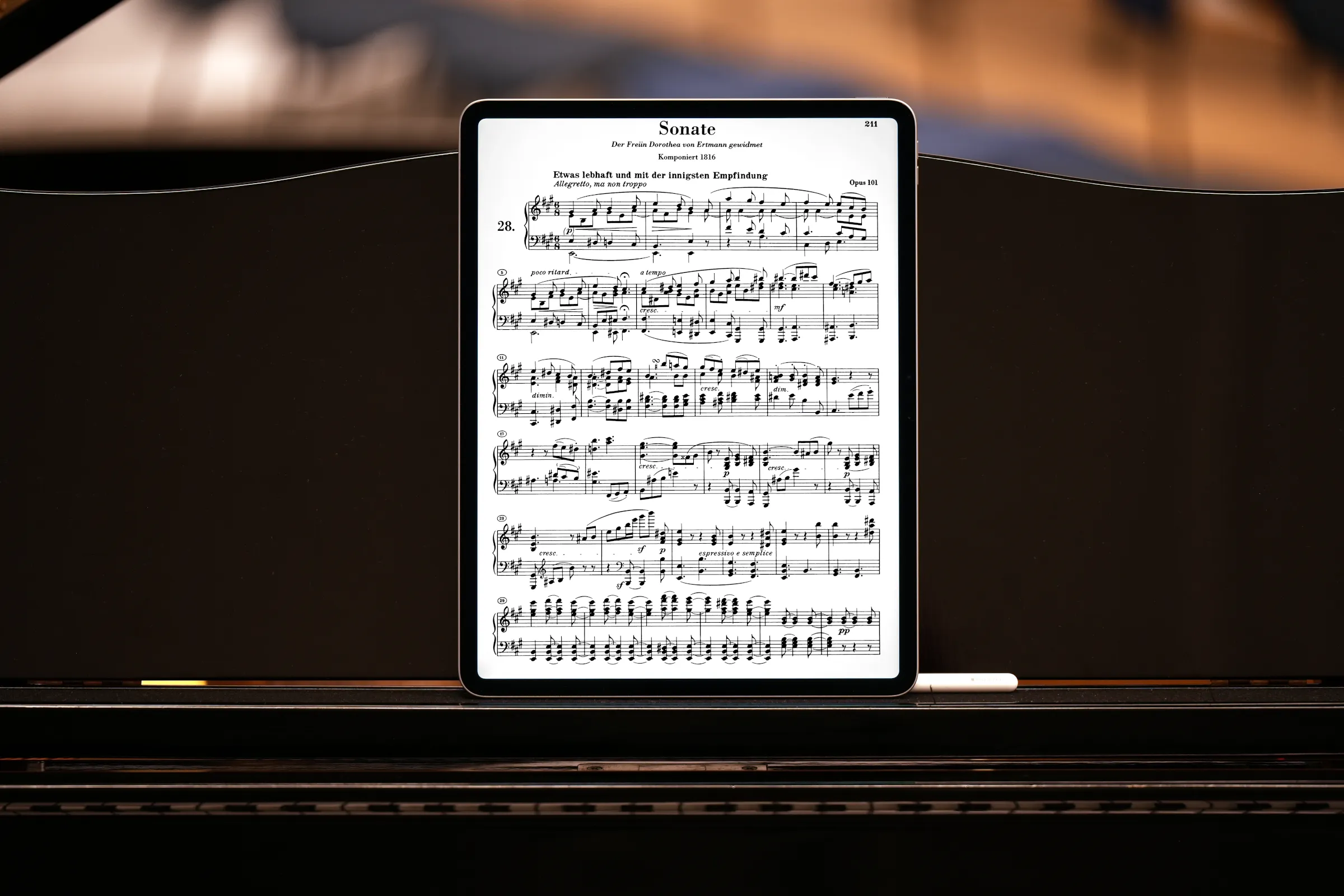
The Partita No. 3 in E major for solo violin by Johann Sebastian Bach on the 13-inch iPad Pro. Photo: tablets-for-musicians.com
1.1 Large iPads: just large enough for sheet music
Let’s start with the easiest part: the largest current iPad, the 13-inch iPad Pro, has a “true” 13-inch screen. It is also the best (and most expensive) iPad for sheet music.
From there, things get a little more complicated. There’s another model with “13-inch” in its name: the much less expensive 13-inch iPad Air. Its screen is actually 12.9 inches (it’s specified on Apple’s website, but you have to enjoy reading the fine print – see footnote #19 here). This is the same screen size as the previous generation of iPad Pros, the aptly named 12.9″ iPad Pro.
For reading sheet music comfortably on a large iPad, there are now three families of models to consider, but only two display sizes:
- The 13-inch iPad Pro (2025, M5 processor; 2024, M4 processor).
- The 13-inch iPad Air (2026, M4 processor; 2025, M3 processor; 2024, M2 processor), which has a 12.9-inch screen.
- The 12.9-inch iPad Pro. These are older models, but the 5th (2021, M1 processor) and 6th (2022, M2 processor) generations are still excellent.
And since a picture is worth a thousand words, here’s a diagram that compares the display sizes with a sheet of paper (drawn to scale):
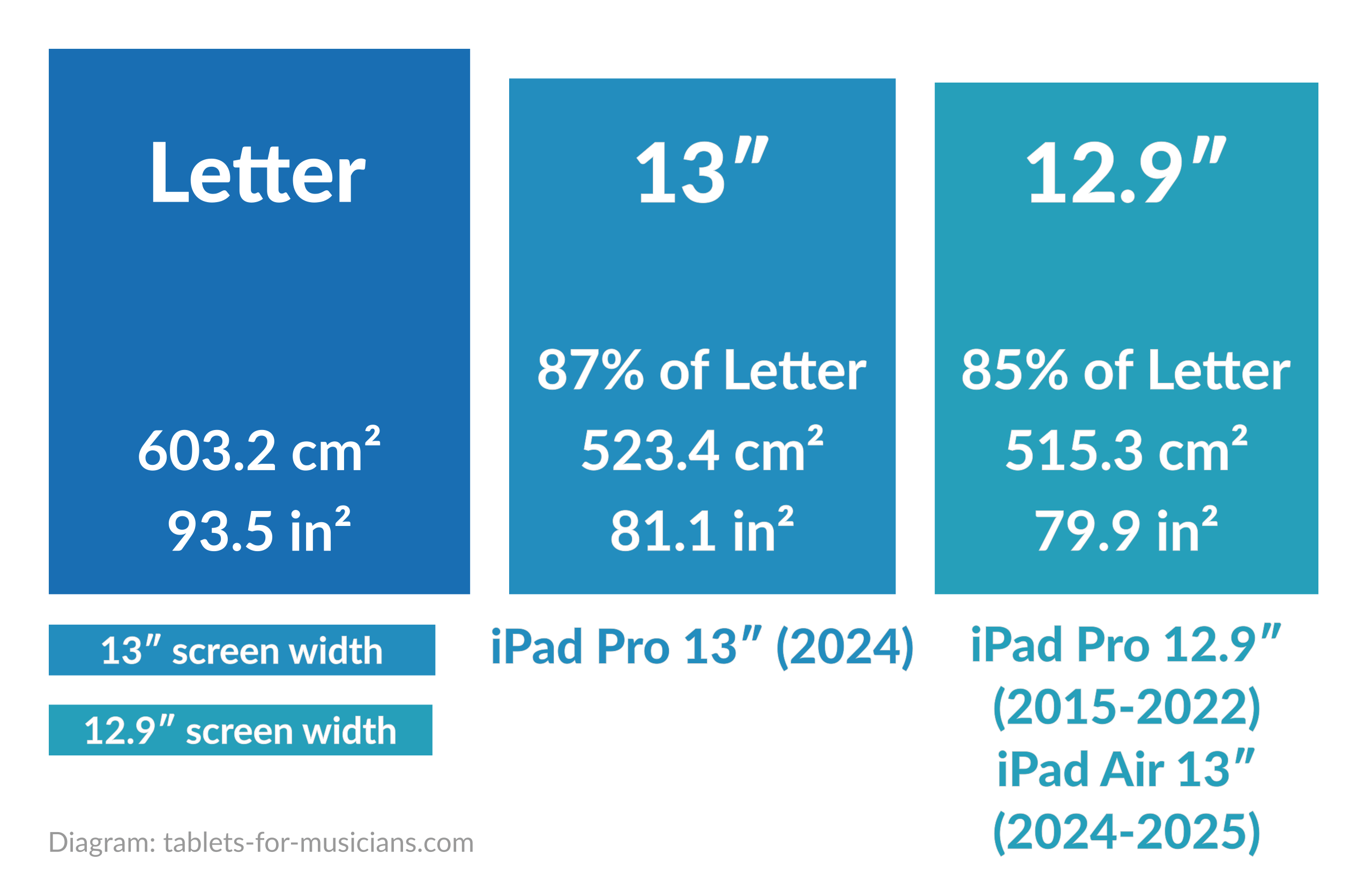
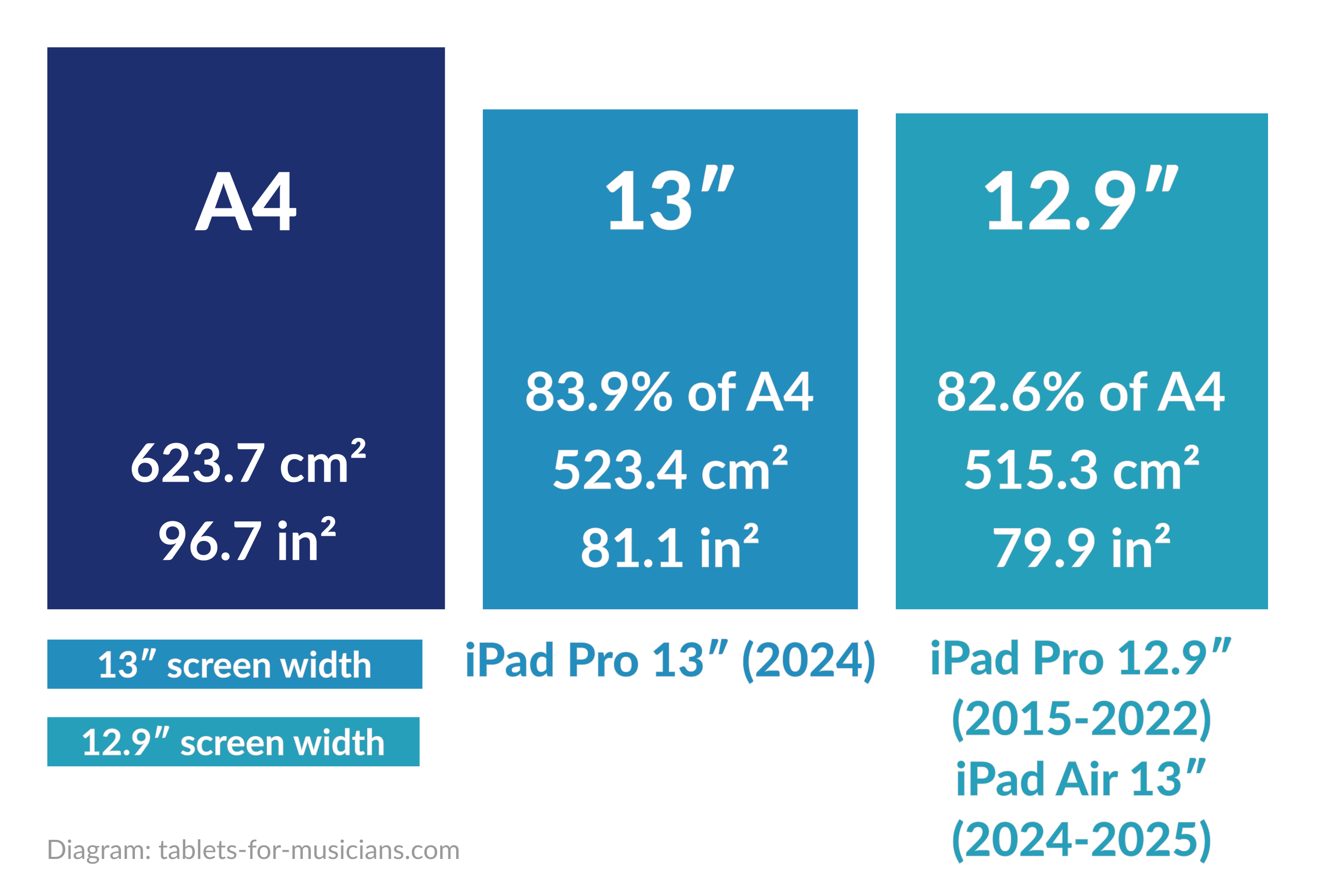
ISO A4 and Letter paper sizes compared to the 13-inch and 12.9-inch iPad screens. Areas and dimensions are those of the displays, not the iPads.
1.2 “Small” iPads: maybe too small for sheet music
It’s even harder to navigate the range of smaller iPad models, which are fortunately a little less expensive. The current 11-inch iPad Pro has an 11.1-inch screen, while the 11-inch iPad Air has a 10.86-inch screen – again according to a reliable source: Apple (see footnote #3).
The 11-inch iPad Air thus has exactly the same screen size as the 10th (2022) and 11th (2025) generation “regular” iPad.
So there are three screen sizes and three iPad models, arranged as follows:
- The 11-inch iPad Pro (2025, M5 processor; 2024, M4 processor) has an 11.1-inch screen; the previous generations were exactly 11 inches.
- The 11-inch iPad Air (2026, M4 processor; 2025, M3 processor; 2024, M2 processor) has a 10.86-inch screen. The name may have changed, but it’s still the same screen size as the previous generation, which is rightly called the 10.9-inch iPad Air.
- The last two generations of “standard” iPads (2022 and 2025) have 10.86-inch screens, just like the 11-inch iPad Air!
Once again, things get a little clearer with a chart that shows the correct proportions. Please note that these iPads are closer to Half Letter (or ISO A5) paper size than Letter size.
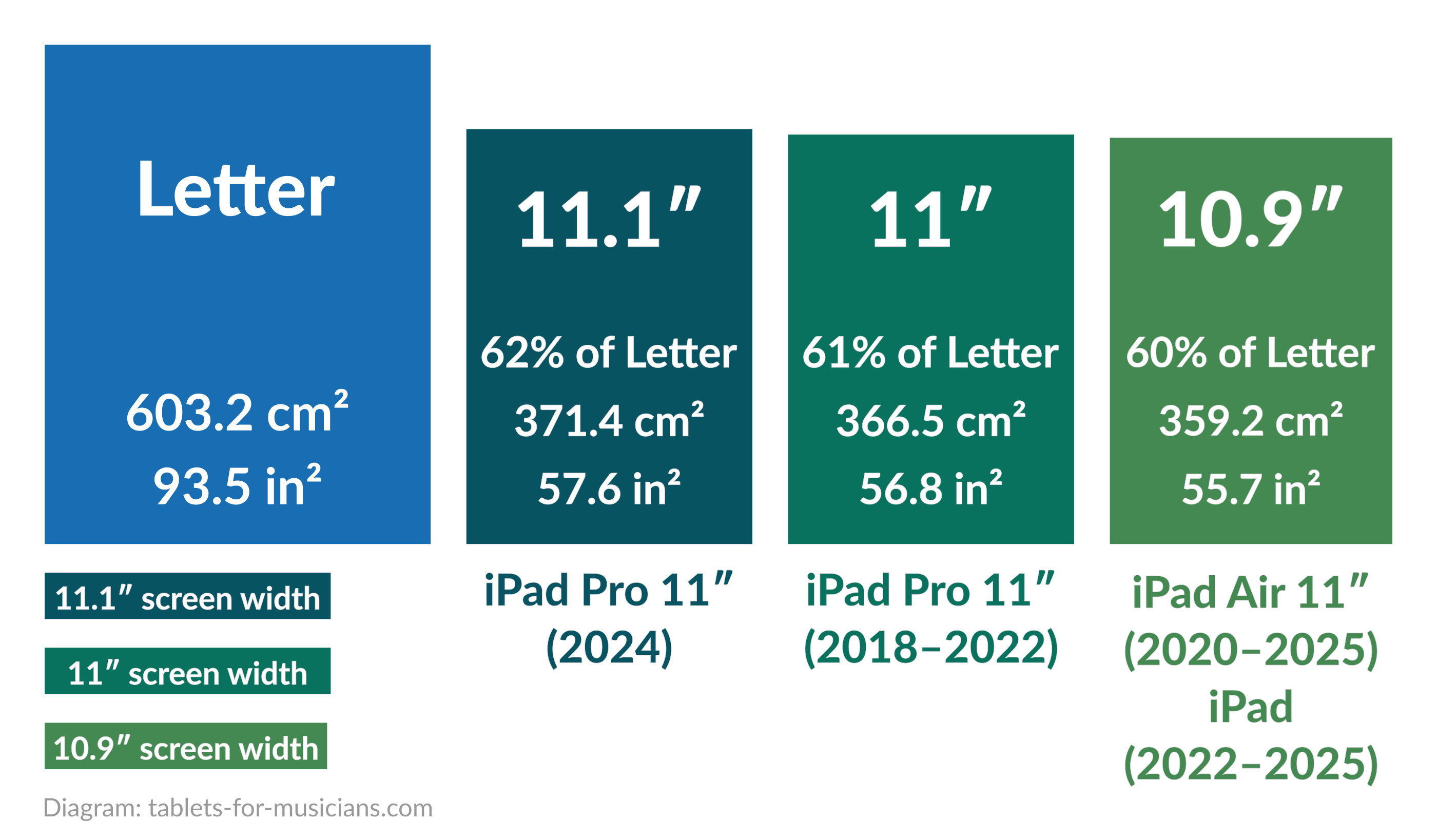
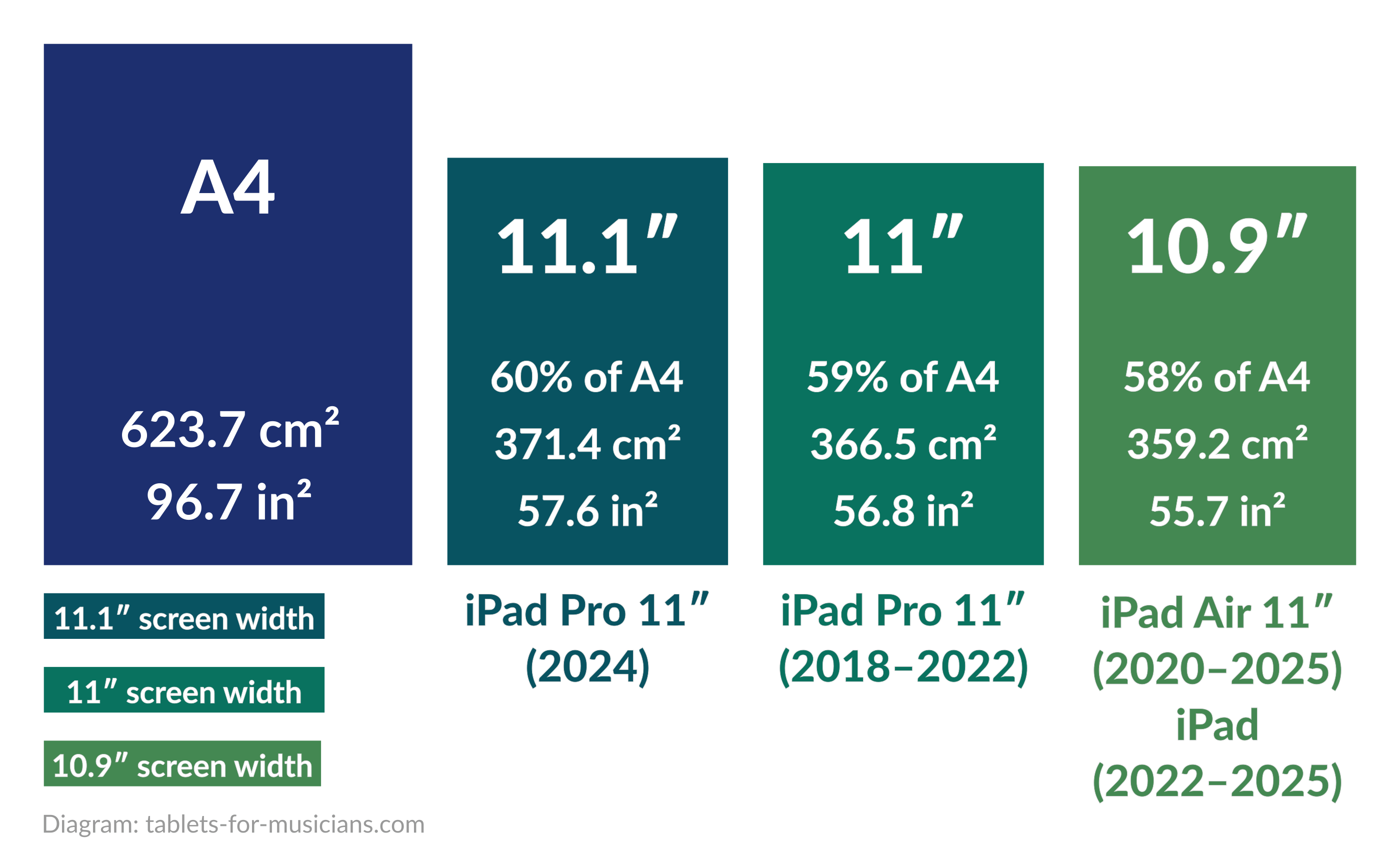
A sheet of paper compared to the 10.9-inch, 11-inch, and 11.1-inch iPad screens.
Personally, I find the iPad models in the diagram above too small to display most sheet music at a comfortable size. However, they are sufficient for displaying song lyrics with chords, guitar tablature, or for learning an instrument with a dedicated app (such as Simply Piano, Flowkey or Yousician).
For the sake of completeness, there’s also an even smaller iPad, the iPad mini. It has an 8.3-inch screen, which is about one-third the size of a sheet of Letter paper, and I’ve never seen it used for reading sheet music.
Apple iPad, Android tablet, or Windows tablet?
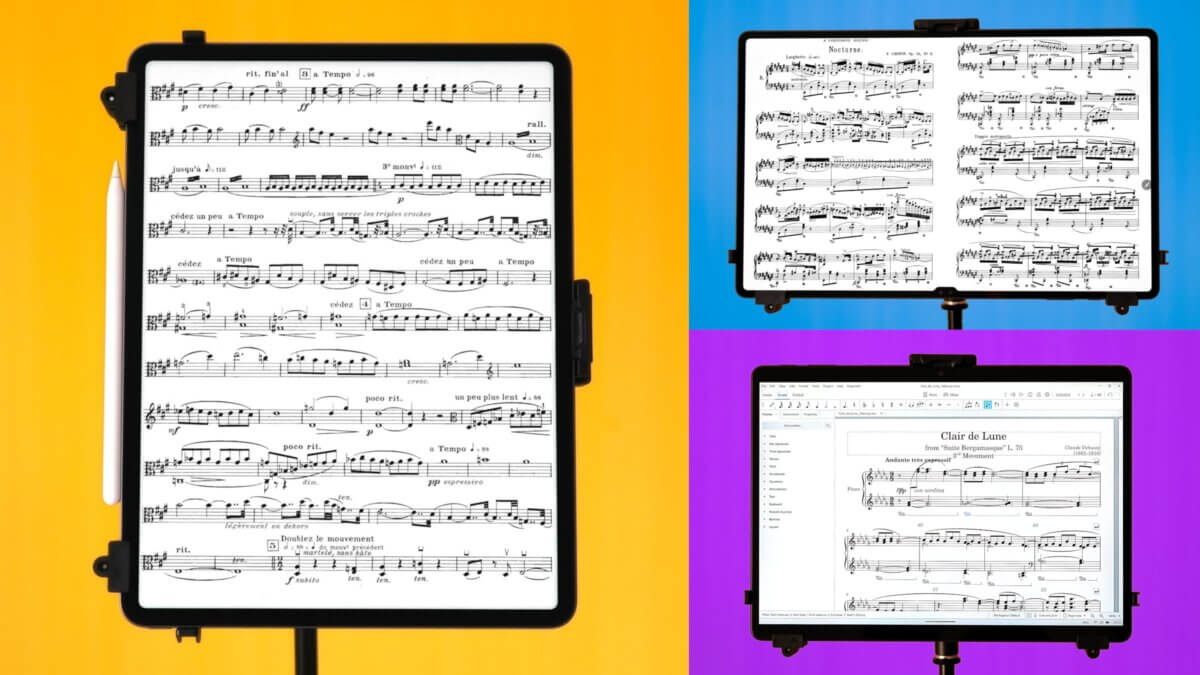
This article focuses exclusively on Apple iPads. If you’re not sure whether an iPad is the right choice for you, you will also find information on Android tablets and Windows 2-in-1 devices in the following article:
2. The best iPads for sheet music
2.1 iPad Pro 13-inch: excellence, but at a high price
There’s no doubt about it: the 13-inch iPad Pro is the best iPad for reading sheet music. However, the gap between it and the 13-inch iPad Air is not as great as the huge price difference suggests.
The biggest change in the 2025 model is the M5 processor, along with faster storage, more memory in the entry-level configurations, and improved wireless connectivity. For musicians, though, this is mostly future-proofing: for reading, annotating, and organizing sheet music, even an M1, M2, M3, or M4 processor is already more than enough.
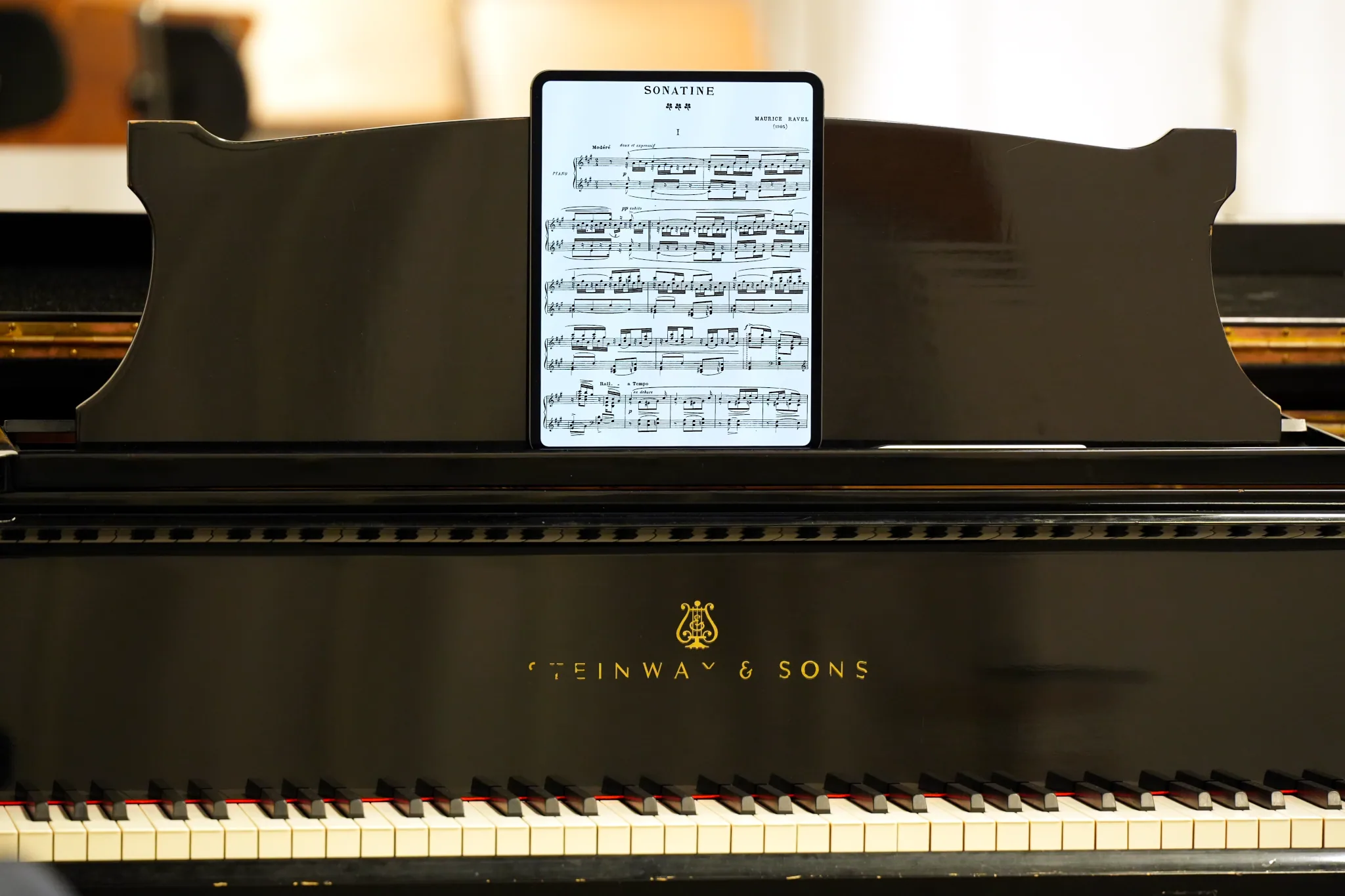
The 13-inch iPad Pro is the best iPad for reading sheet music, but it is extremely expensive. Photo: tablets-for-musicians.com
What sets the 13-inch iPad Pro apart is not so much its crazy-powerful processor as a long list of smaller refinements, some of which are listed below:
- The screen of the 13-inch iPad Pro is 1.5% larger than that of its predecessor, the 12.9-inch iPad Pro. That is a difference of 1.23 square inches (8 cm²), which is slightly noticeable, but negligible in everyday use.
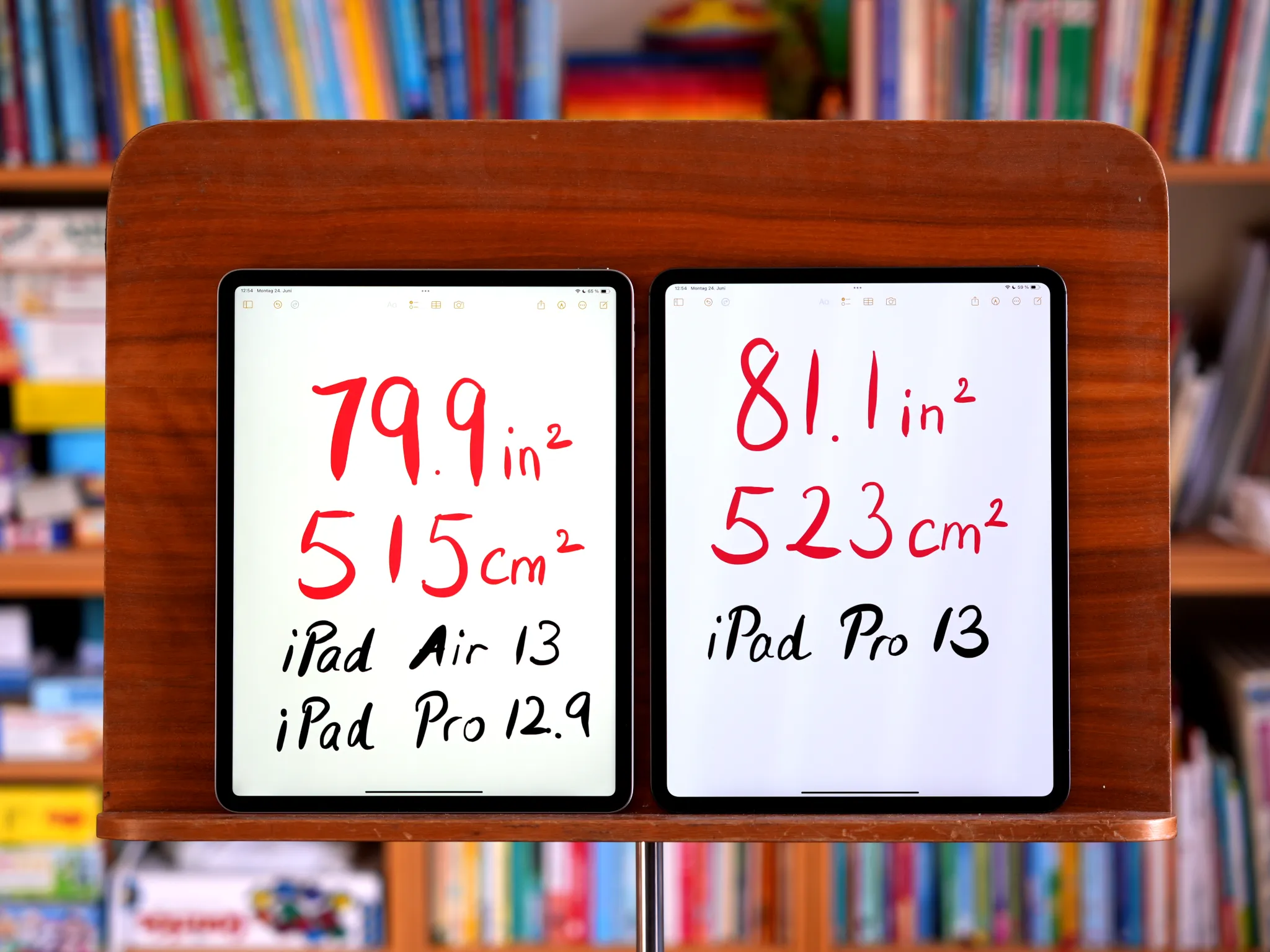
The screen of the 13-inch iPad Air (left) is only slightly smaller than that of the 13-inch iPad Pro (right). Photo: tablets-for-musicians.com
- One of the most important advantages for musicians who play outdoors: the maximum brightness of the 13-inch iPad Pro (1000 nits) is higher than that of the older 12.9-inch models (600 nits), but also higher than that of the 13-inch iPad Air (also 600 nits). The display is also less reflective, resulting in less glare. The difference outdoors, especially in direct sunlight, is quite noticeable. For me personally, this is the biggest advantage of the 13-inch iPad Pro.
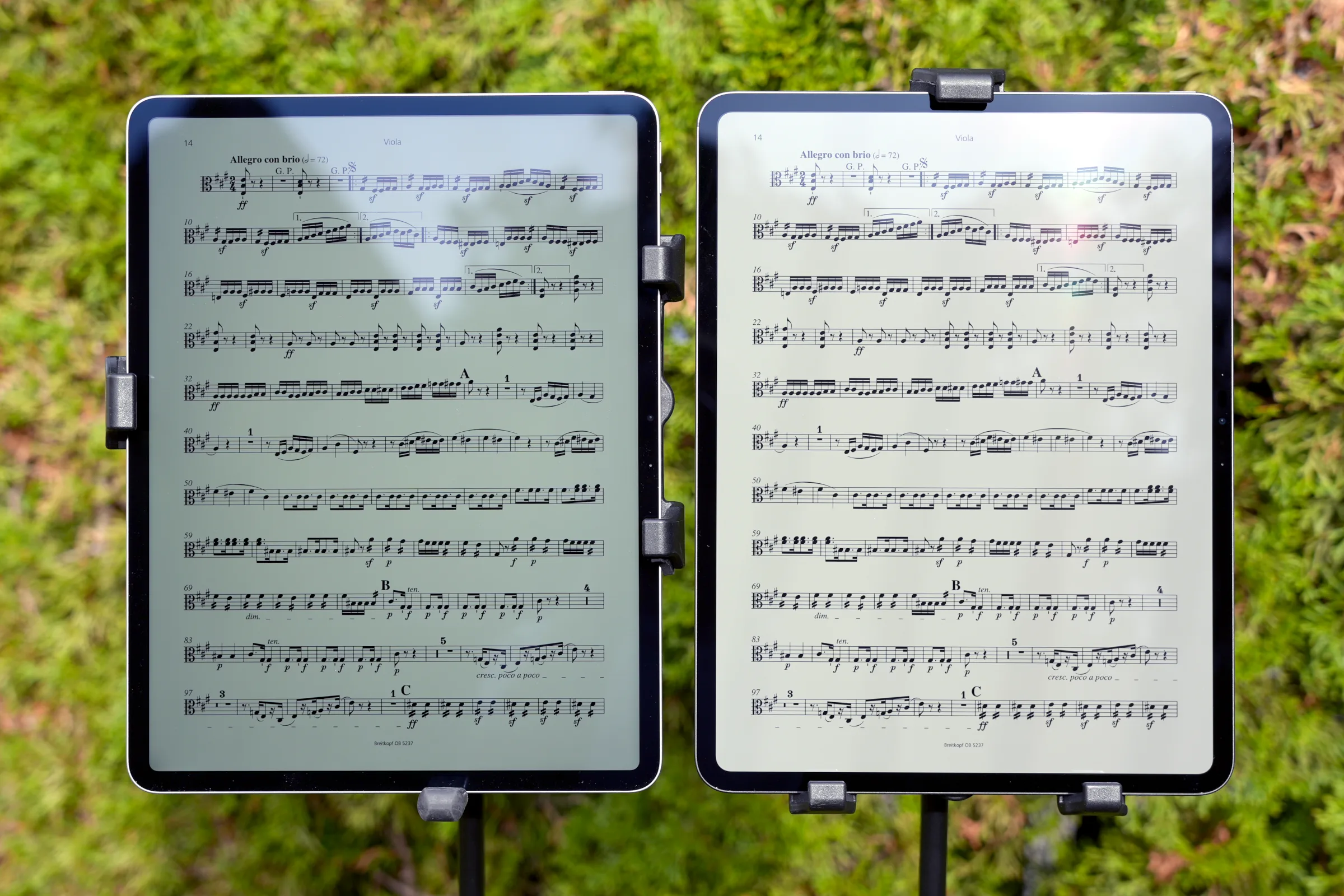
The 13-inch iPad Pro’s screen (right) achieves a higher brightness than the 13-inch iPad Air (left), which can be difficult to read in bright sunlight. Photo: tablets-for-musicians.com
- The 13″ iPad Pro supports the new Pencil Pro, which is, in my opinion, the best stylus currently available on any platform. The new squeeze feature is both intuitive and absolutely delightful, and lets you bring up the context menu in forScore, for example. The haptic feedback is also very pleasant. The Apple Pencil Pro is compatible with the 11- and 13-inch iPad Pro and iPad Air models released from 2024 onward, but not with the older 12.9-inch iPad Pros.
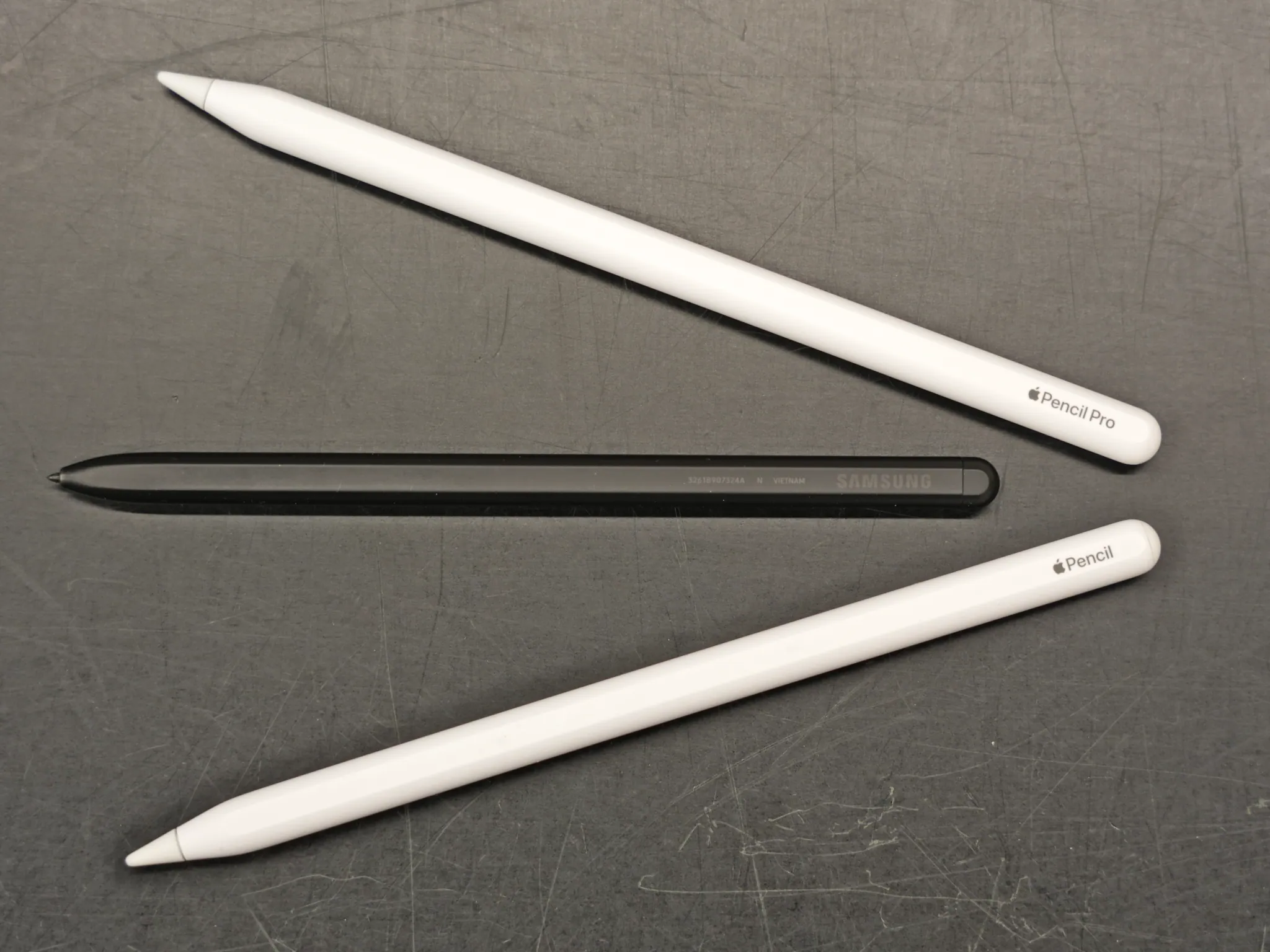
The second-generation Apple Pencil (bottom) looks a lot like the Apple Pencil Pro, but the latter is much better. In the middle, the Samsung S-Pen. Photo: tablets-for-musicians.com
- The 13″ iPad Pro (M5) supports true fast charging for the first time and draws up to 60 watts (20V/3A). It still ships with a slow 20-watt charger in the box, which takes about 3 hours for a full charge. To fast charge, use a USB-C Power Delivery (PD) charger of 60 watts or more, or Apple’s compact 40W Dynamic Power Adapter, which boosts up to 60 watts. Either one reaches 50% in about 30 minutes and a full charge in just under 2 hours. There’s no benefit to going above 60 watts, since that’s all the iPad Pro M5 will draw.
- – Apple 40-60 W Dynamic Power Adapter on Amazon*
- The older M4 iPad Pro and the iPad Air don’t support 60 W fast charging. The M4 Pro tops out around 35 watts, and every iPad Air M2, M3, and M4 caps near 30 watts, so a 30–35-watt charger is the practical maximum for those.
- – Apple 35W Dual USB-C Port Compact Power Adapter on Amazon*
- The 13-inch iPad Pro is incredibly thin (0.20 inch / 5.1 mm) and light (1.28 lbs / 579 g) for a tablet of this size. This is certainly not essential for reading sheet music, but it is a real comfort factor in everyday use, especially over many years. The iPad Pro fits into many instrument cases, and every time I travel, I’m grateful for its lightness and the small amount of space it takes up.
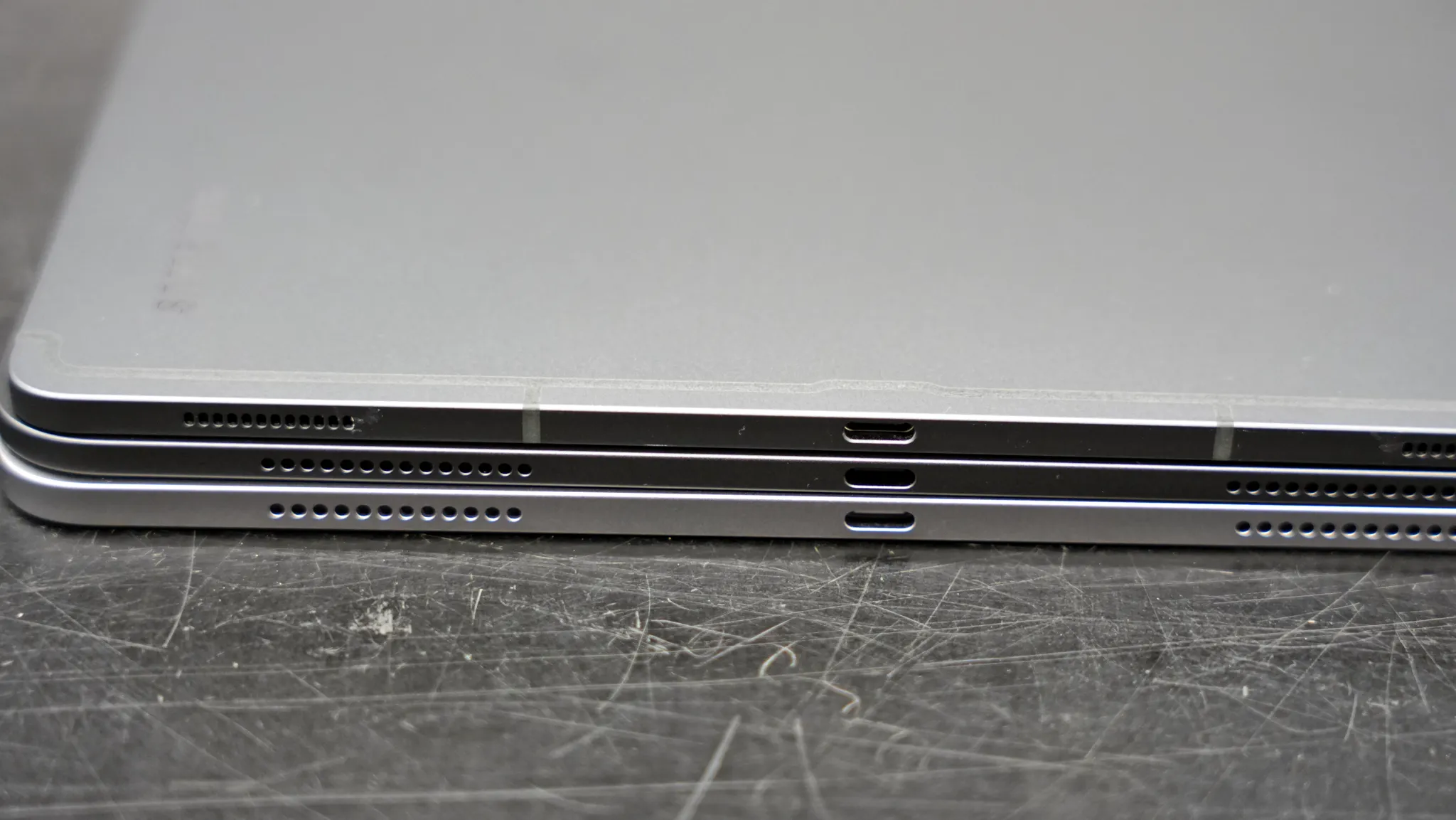
Thickness comparison, from bottom to top: the 13-inch iPad Air (0.24 in / 6.1 mm), the 13-inch iPad Pro (0.20 in / 5.1 mm) and the Samsung Galaxy Tab S10 Ultra (0.21 in / 5.4 mm). Photo: tablets-for-musicians.com
The 13-inch iPad Pro has many other small improvements and advantages over the 13-inch iPad Air or previous 12.9-inch generations, such as the improved Adaptive True Tone flash for better results when scanning sheet music, better speakers, and the optional (and overpriced) nano-texture display glass, which reduces reflections.
Pros
- Unmatched performance and the best future-proofing
- Large, low-reflection, high-brightness screen, usable for outdoor gigs
- Supports the new Pencil Pro
- Extremely thin and light
- Fast charging (with a 60 W or higher charger)
- Face ID, four speakers, optional nano-texture display glass
Cons
- Extremely expensive
- No official IP rating for water or dust resistance
- At this price, battery life could be even better
- Comes with a slow 20W charger
13-inch iPad Pro for sheet music: Verdict
The 13″ iPad Pro is the best iPad for making music and reading sheet music, especially if you want the best possible display or simply want the most future-proof option. For professional musicians, advanced amateurs, and lucky students with the budget for it, it’s the best choice. The exorbitant price tag should be weighed against a potential lifespan of a decade.
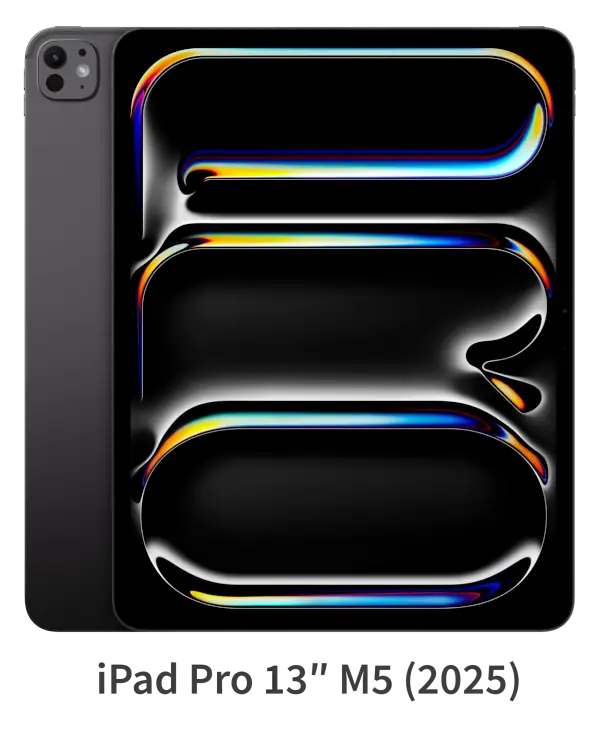
Apple iPad Pro 13-inch (M5, 2025)
An alternative to iPads: e-readers for sheet music
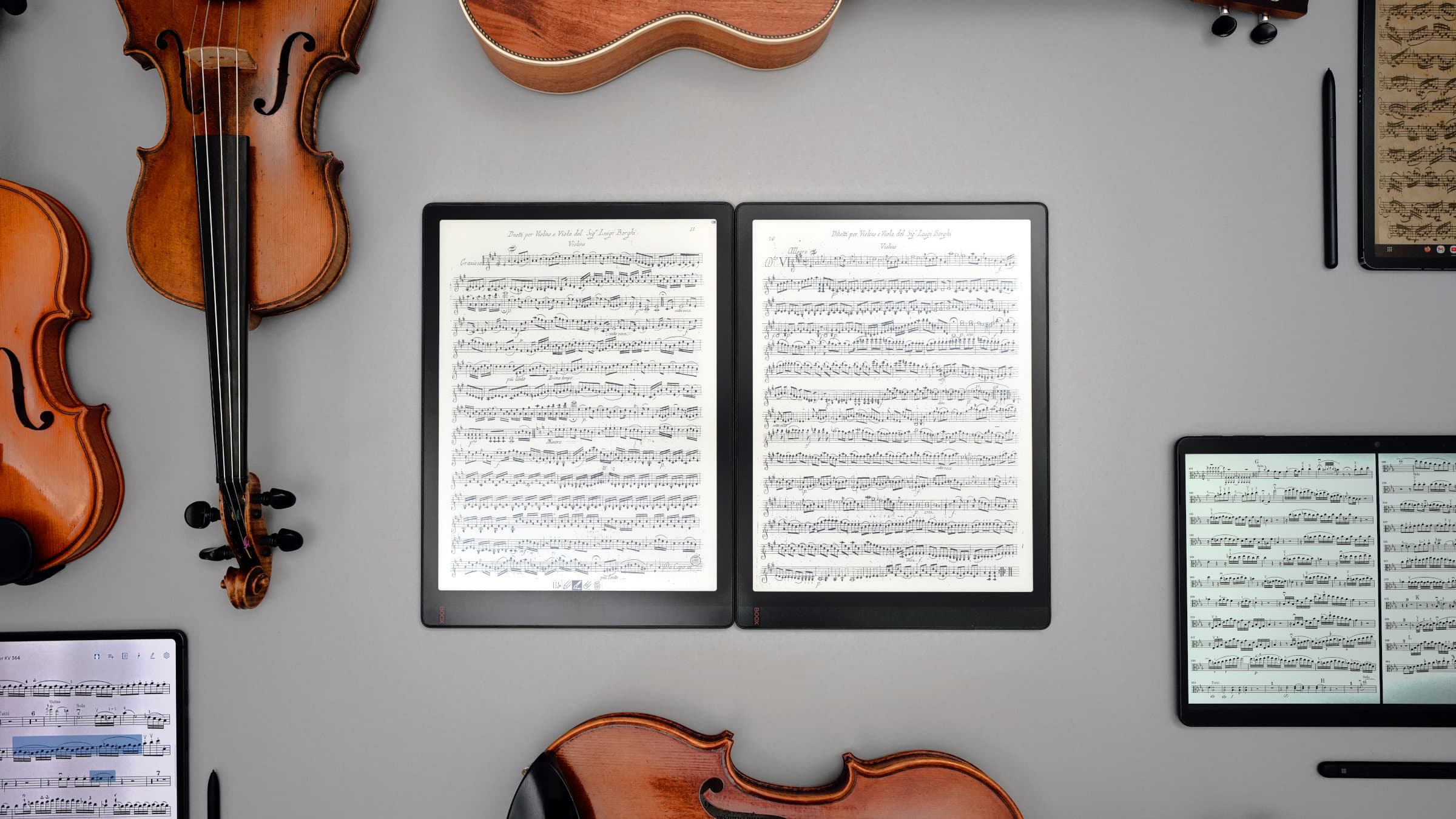
If you find tablet screens too bright and reflective, or if you play music mainly outdoors, an e-reader may be a better solution than an iPad:
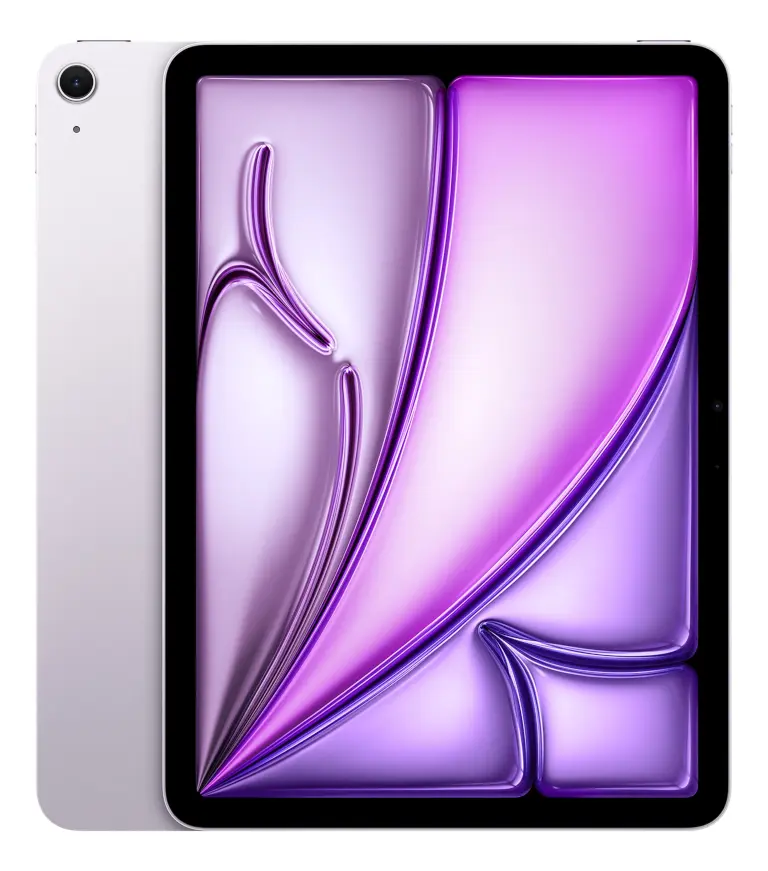
2.2 iPad Air 13-inch: Finally, a less expensive large iPad
For years, musicians looking for an iPad big enough to display sheet music in a decent size had no choice: they had to break the bank to buy a 12.9-inch iPad Pro.
Those days are over, and the 13-inch iPad Air can save you hundreds of dollars over the 13-inch Pro. There are now three generations:
- The first generation, released in May 2024, is powered by an M2 processor.
- The second generation, released in March 2025, is almost identical. The only notable difference is an upgrade to the M3 chip.
- The third generation, released in March 2026, is powered by an M4 processor and comes with 12 GB of unified memory.
After six generations of extremely expensive iPad Pros, Apple has finally released a more affordable large iPad: the 13-inch iPad Air. Photo: tablets-for-musicians.com
For reading sheet music, all three generations are more than powerful enough. All sheet music apps run perfectly on the M2 model (2024).
The 2026 iPad Air with M4 is the one I would recommend to most new buyers, mainly because it is the current model and should receive software updates for the longest time. It is also the better choice if you do video editing, complex audio recording with many tracks and lots of effects, or demanding multitasking.
The 13-inch iPad Air is absolutely good enough for reading sheet music, but you’ll have to do without Face ID. Photo: tablets-for-musicians.com
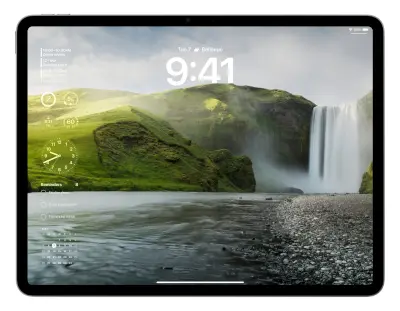
While the 13-inch iPad Air lacks features like Face ID and camera flash (and is thicker and heavier than the pro model), it’s still perfectly suited to reading sheet music.
Apple Pencil compatibility
The 13-inch iPad Air is compatible with Apple’s new stylus, the Pencil Pro (which is really great), but not with the old non-pro version (the Apple Pencil 2).
You can also use the cheaper “Apple Pencil (USB-C)” (sic) to cut the price by a third. But honestly, cable management is a pain, so go with the Pro version if you can!
Like all Apple tablets, the 13-inch iPad Air is compatible with any Bluetooth page turner.
The 13-inch iPad Pro (left) has a slightly larger screen than the 13-inch iPad Air, and their color rendering is different. Photo: tablets-for-musicians.com
Pros
- Supports the new Pencil Pro
- M2, M3 and M4 processors are perfectly adequate for reading and editing sheet music
- The 2026 M4 model adds more memory (12GB vs 8GB on previous models)
- The most affordable large iPad
- The best value for most musicians
Cons
- The “Pro” features, including Face ID, are not available
- The screen could be brighter
- Only two speakers
- Slow charging (up to 30 W) compared with the iPad Pro
- Thicker and heavier than the iPad Pro
Sheet music on the 13-inch iPad Air: Verdict
It would hardly be an exaggeration to call the 13-inch iPad Air a blessing for musicians. It offers almost all the features of the iPad Pro for substantially less money.
For most musicians buying a new iPad in 2026, the 13-inch iPad Air with M4 is probably the best recommendation. Choose the iPad Pro only if you need the brightest possible screen for outdoor gigs, want Face ID, or simply want the best (and most expensive) iPad Apple makes.
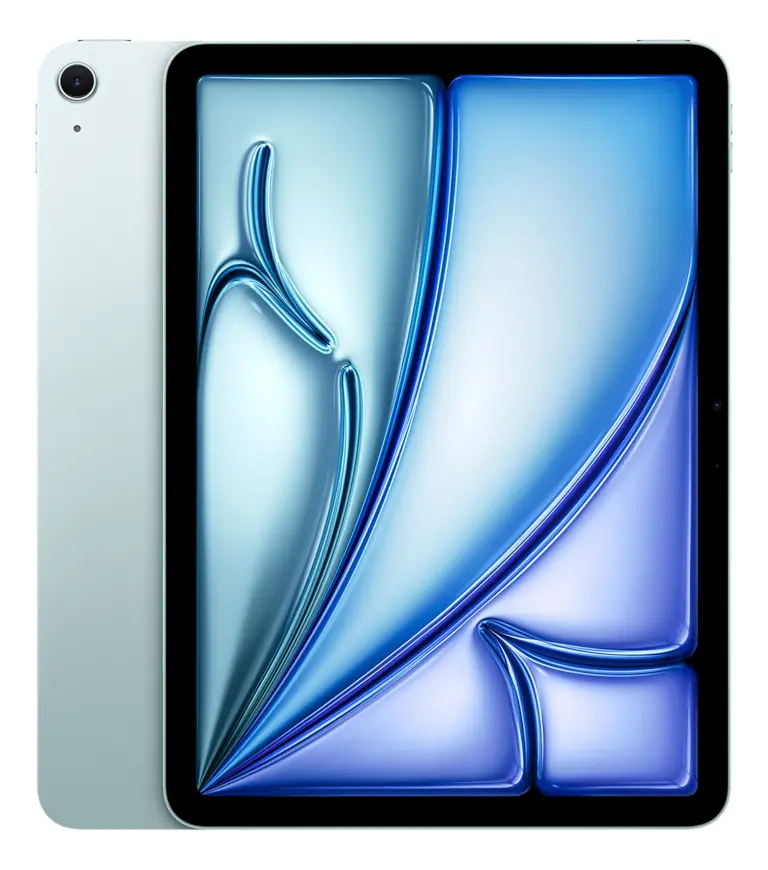
Apple iPad Air 13-inch (M4, 2026)
2.3 iPad Pro 12.9-inch: don’t underestimate the older generations!
Even in 2026, the 12.9-inch iPad Pro is still an excellent choice. While you should be careful to avoid the earliest models, which are reaching their end-of-life, the 5th generation (2021, M1 processor) and 6th generation (2022, M2 processor) are still amazing.
Of course, you’ll lose several years of software support and security updates compared with a new 13-inch iPad Air or Pro, but you can save several hundred dollars.
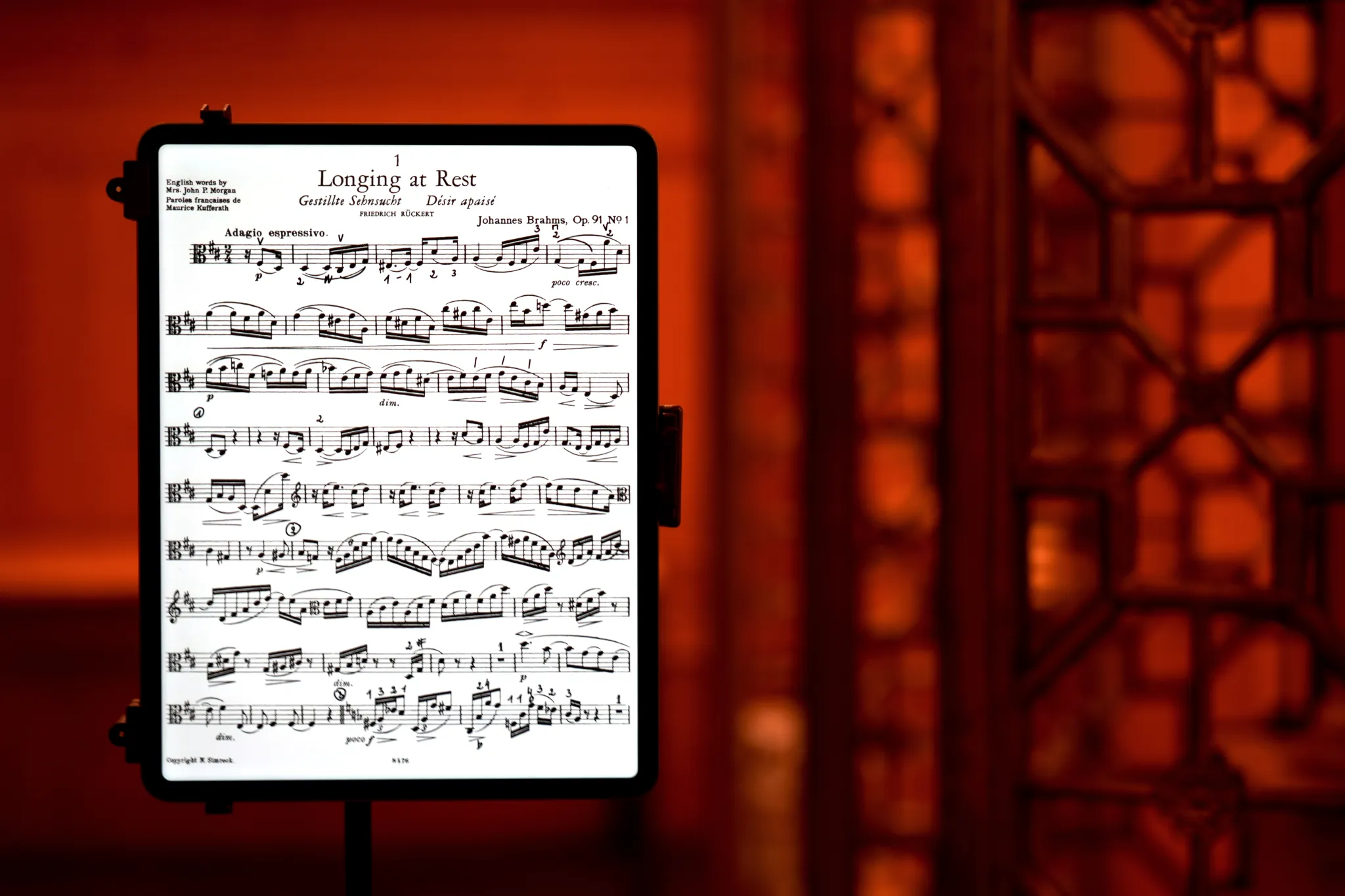
If you can get your hands on a 5th or 6th generation iPad Pro 12.9-inch, go for it! Photo: tablets-for-musicians.com
The older 12.9-inch Pro models still include most of the “Pro” features missing from the 13-inch iPad Air. These include:
- Face ID, the most convenient way to unlock your iPad, especially when you have a musical instrument in your hands.
- The four-speaker audio system.
- Five “studio-quality” microphones and stereo recording.
- The “True Tone” flash (useful for scanning sheet music).
- Higher brightness in XDR mode.
You can compare all these points on the Apple website: Compare iPad models.
Pros
- M1 and M2 processors more than adequate for reading sheet music
- Excellent screen (better than the 13-inch iPad Air)
- All the advantages of the Pro models, including Face ID
- Relatively fast charging (with a 35 W or higher charger)
- Much cheaper than a recent 13-inch iPad Pro
Cons
- Not compatible with the new Pencil Pro
- No certification for water and dust resistance
- Several years of lifespan/software support are already gone
iPad Pro 12.9-inch for sheet music: Verdict
If I had to choose between a 12.9-inch iPad Pro from 2021 or 2022 and a 13-inch iPad Air from 2024 or 2025, I would personally choose the iPad Pro. Its display is better, and I use Face ID (which is missing on the iPad Air) several times a day to unlock my iPad while practicing.
However, the new 13-inch iPad Air with M4, released in 2026, is a real improvement in terms of future-proofing. It has more RAM, Wi-Fi 7, Bluetooth 6, and the longest remaining software support. But as always, it’s a question of budget.
New 12.9-inch iPad Pro models are no longer available, but the used and refurbished market is quite large, for example on Amazon*, Back Market, Gazelle or RefurbMe. Apple also offers refurbished iPads on its “Certified Refurbished” store (at least in the U.S., Canada, and the UK).
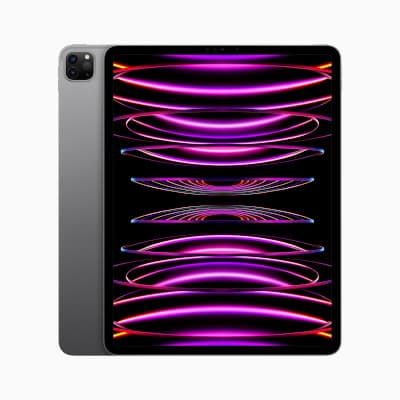
No longer available from Apple.
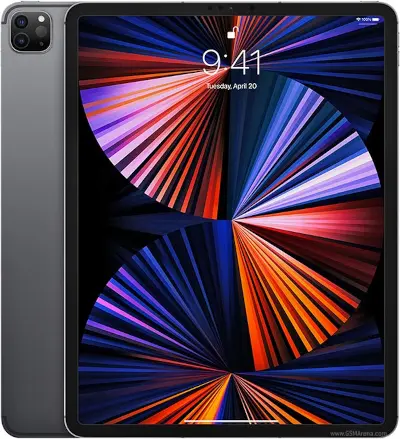
No longer available from Apple.
2.4 11-inch and smaller iPads: not ideal for reading sheet music
I suspect it would never occur to anyone to voluntarily read sheet music at Half-Letter size. This is especially true for musical instruments that require a certain distance between the player and the sheet music, such as string instruments or percussion.
Similarly, I would not recommend an 11-inch iPad (or smaller) for reading full-size sheet music.
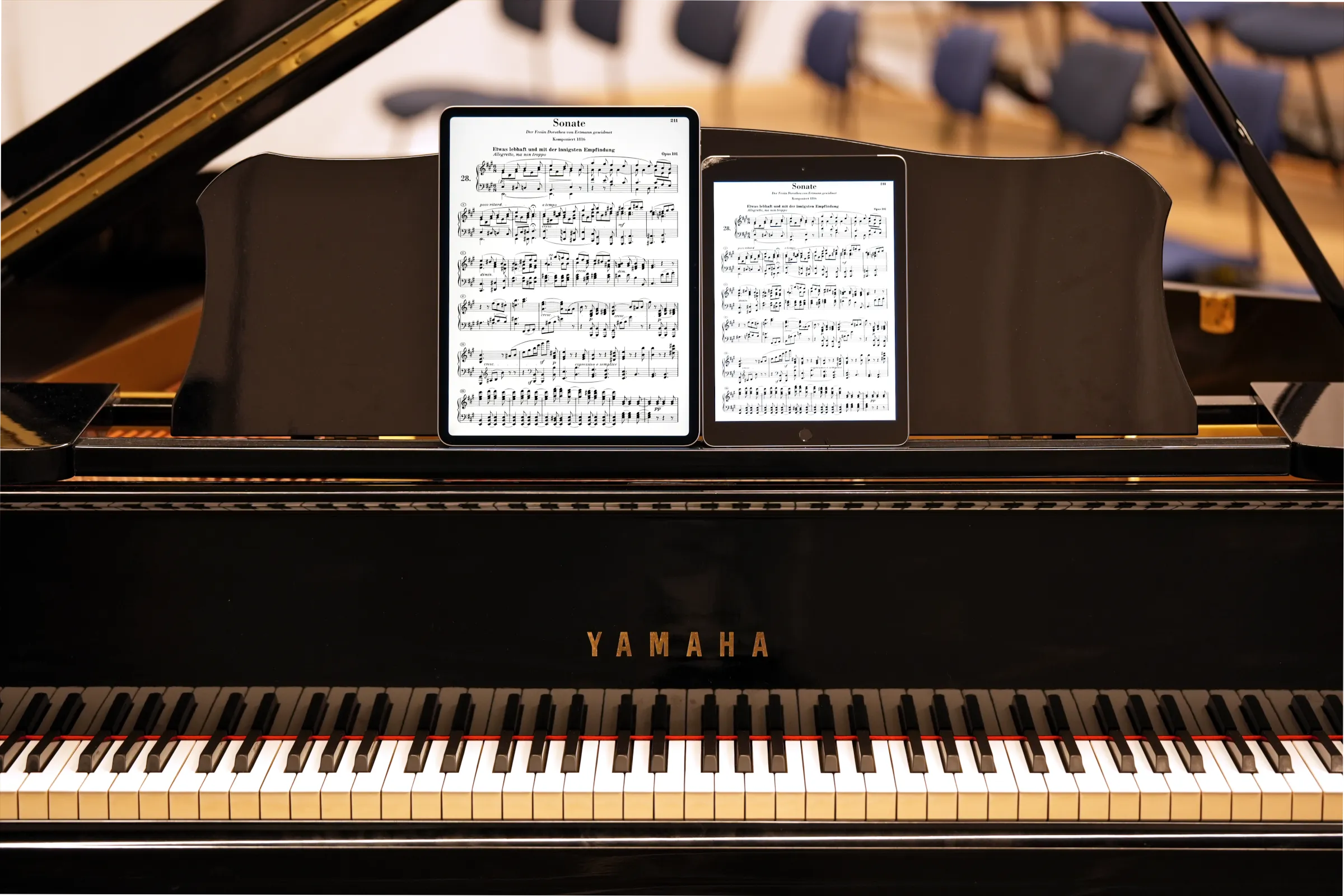
The 13-inch iPad Air compared to an older iPad (9.7-inch screen, 2018). Photo: tablets-for-musicians.com
Since I only play classical music, I lack experience with other styles. I imagine that for some singers, pianists, or guitarists, an 11-inch iPad may be sufficient, and there are certainly plenty of scenarios in which a standard-sized iPad is just right. I’d love it if you’d share your experience in the comments!
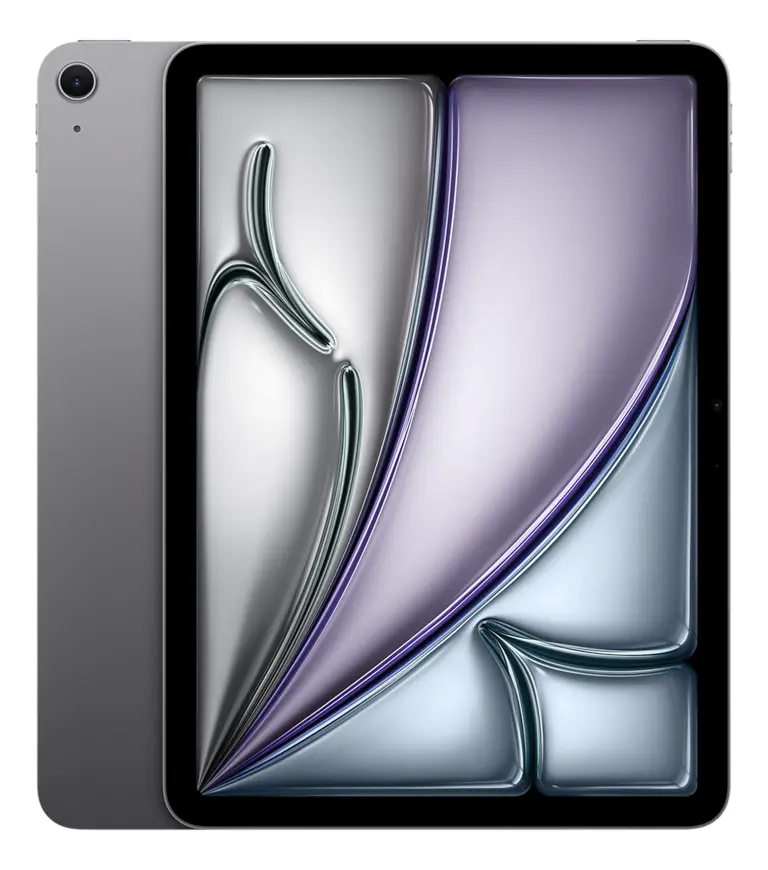
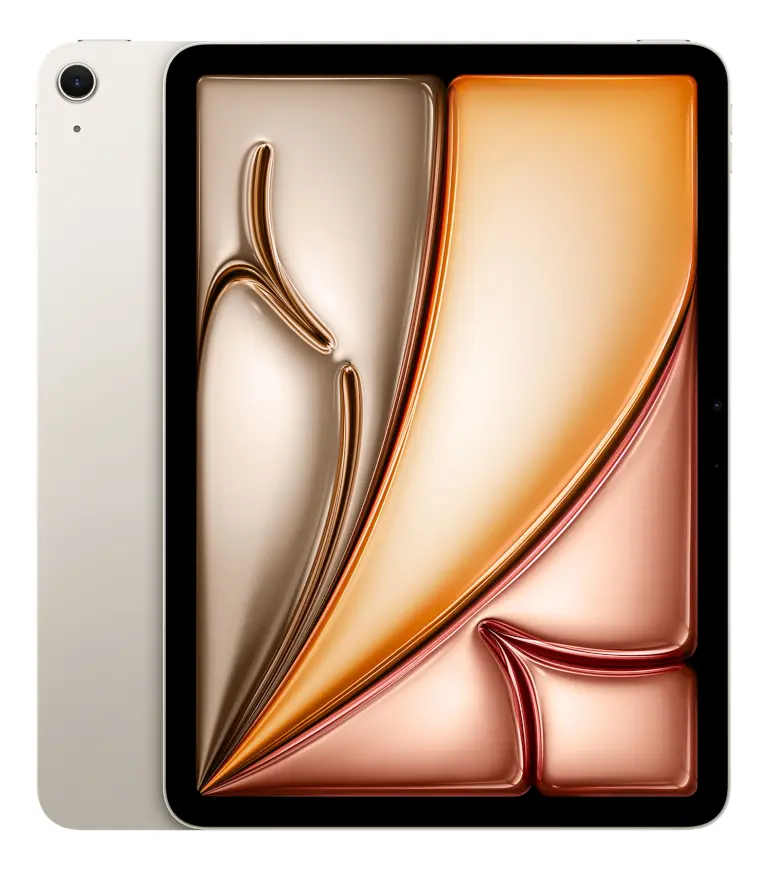
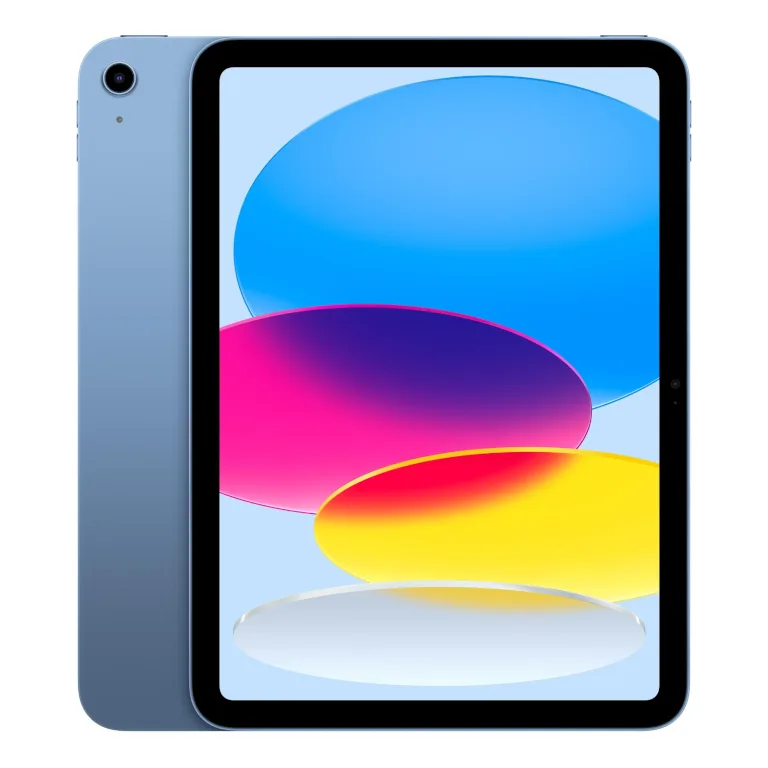
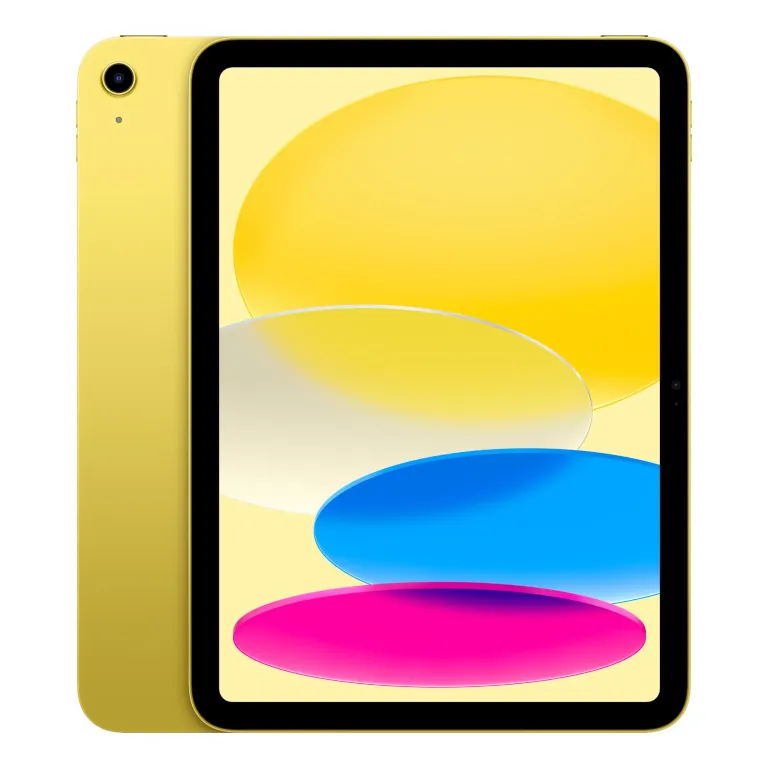
No longer available from Apple.
3. The best sheet music apps for iPad
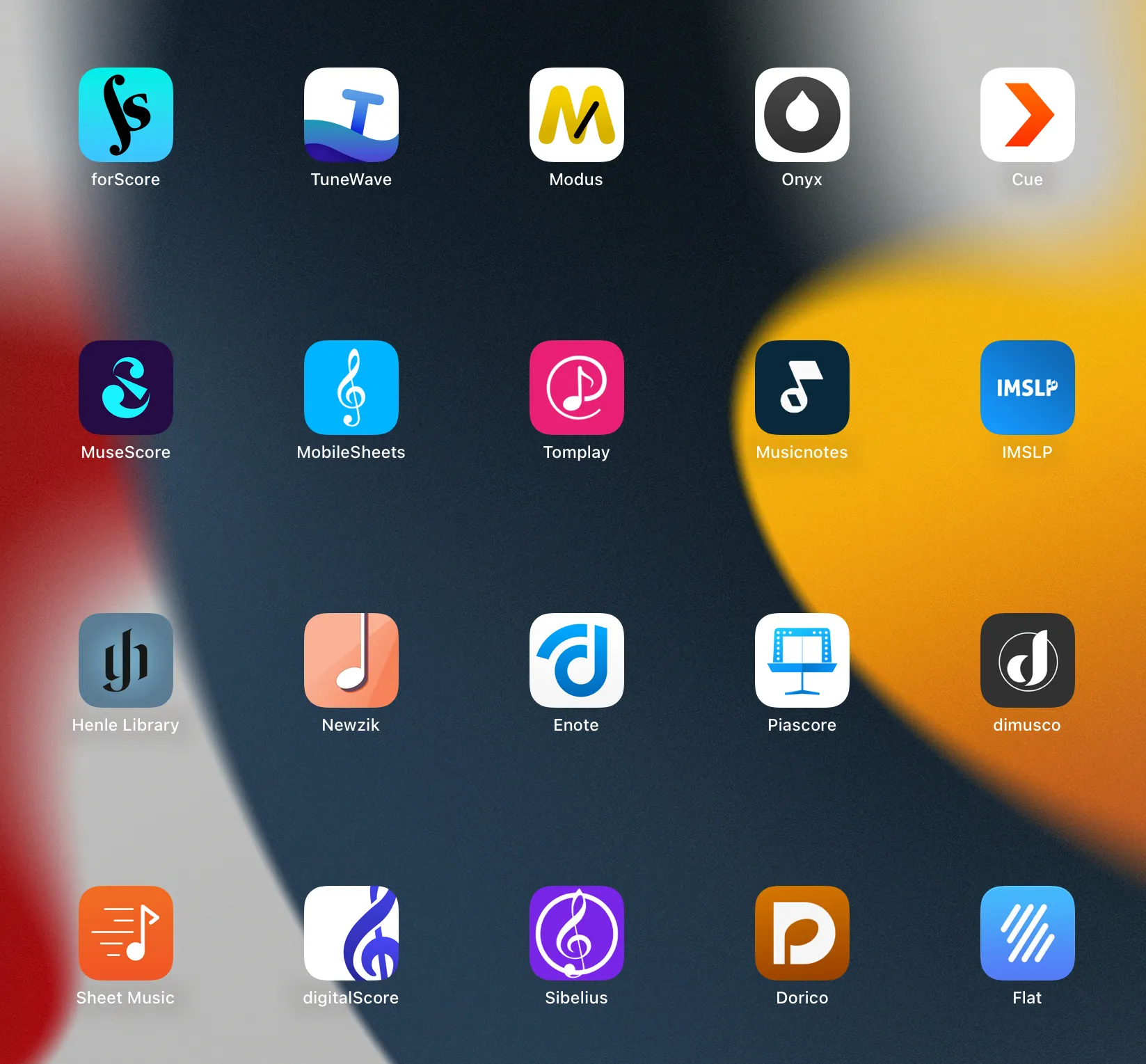
There are a ton of sheet music apps for iPad. On the top row, forScore and its companion apps. Screenshot: tablets-for-musicians.com
Once you have chosen an iPad, the next question is which app you should use to read, organize, annotate, and perform your sheet music.
For most musicians, I would start with one of these three apps:
- forScore is the safest and most polished choice for iPad, with an elegant interface and excellent annotation tools. It is by far the most established of the three on the App Store. forScore is a paid app with a one-time purchase, plus an optional Pro subscription for extra features (but you probably won’t need it).
- Newzik has cloud features, collaboration tools, and shared projects for bands and orchestras, as well as unique AI-powered tools such as LiveScores and PDF transposition. It is also the most expensive of the three, especially if you want access to the full feature set.
- MobileSheets excels at managing large PDF libraries, and is the most customizable of the three. It’s my personal app of choice, although it is not the most commonly used sheet music app on Apple devices.
There are loads of other sheet music apps, but I’d recommend most of them as sources of sheet music rather than as your main library. The IMSLP app is almost essential for public-domain classical scores. Tomplay is useful for playing along with accompaniments, while MuseScore, Musicnotes, and Sheet Music Direct are mainly useful as places to find or buy music.
I compare all these apps in much more detail in my dedicated guide to the best sheet music apps for iPad, Android and Windows tablets.
4. The best iPad accessories for musicians
4.1 The best music stands for iPads
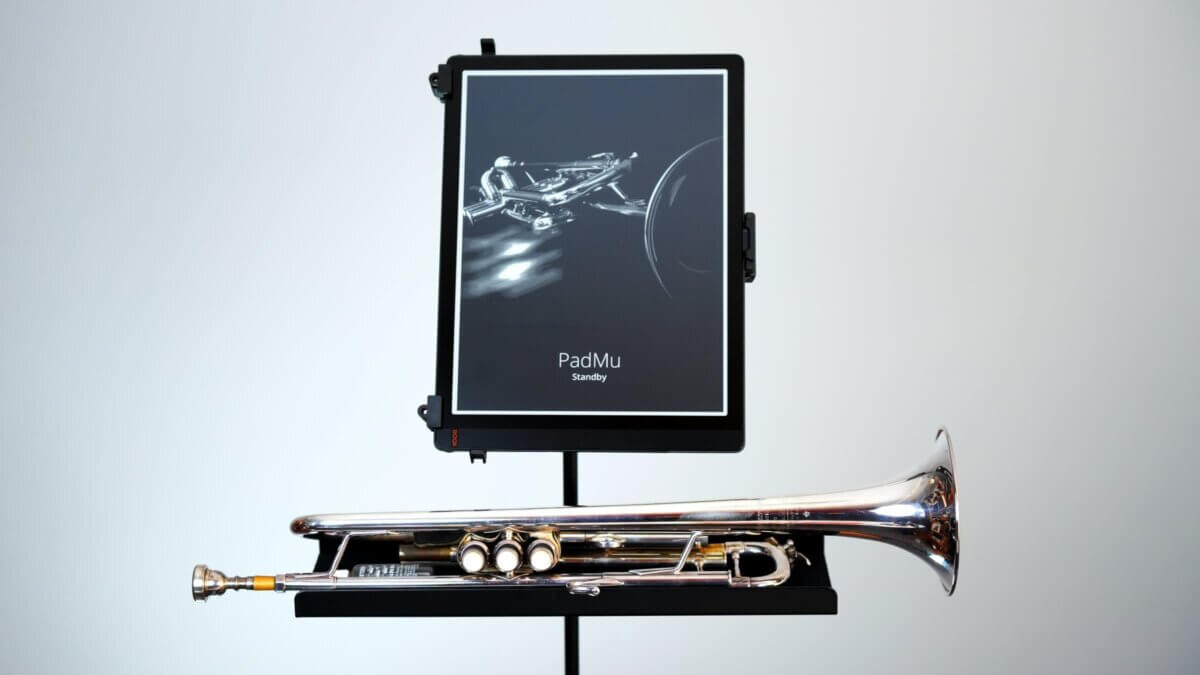
In this section, I’ll focus on full-size music-stand-style holders—the kind that function like traditional stands and offer independent support. Most models are also available in clamp-on versions, which can attach to existing mic or music stands.
The most universal, high-quality stand
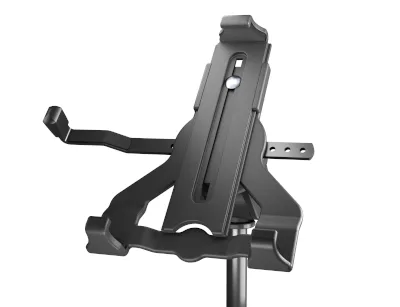
The music stand I’d most readily recommend for iPads is the “K&M 19775 Biobased Tablet Holder”. Despite its clunky name, it is the most universal high-quality stand available; it is compatible with all 10.9-, 11- and 13-inch iPad models, with or without a protective case.
The elegant alternative (for iPads with thin cases)
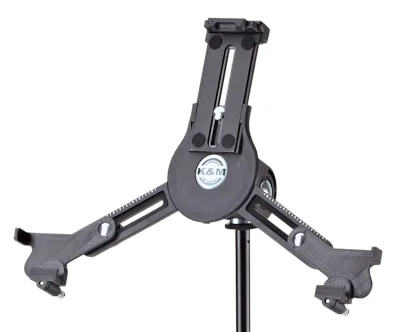
In many photos on this page, you can see iPads in the K&M 19793 “triangular” music stand. This is probably the most elegant music stand around, but it will not fit iPads with thick protective cases (0.43 in / 11 mm is the maximum allowed thickness).
The following model is compatible with all the 10.9-, 11- and 13-inch iPad models, and you can set the length of the support arms to the following values:
- 10.9″ and 11″ iPad without case: 2.0
- 10.9″ and 11″ iPad with a thin case: 2.5
- 12.9″ and 13″ iPad without case: 5
- 12.9″ and 13″ iPad with a thin case: 5.5
For small iPads only!
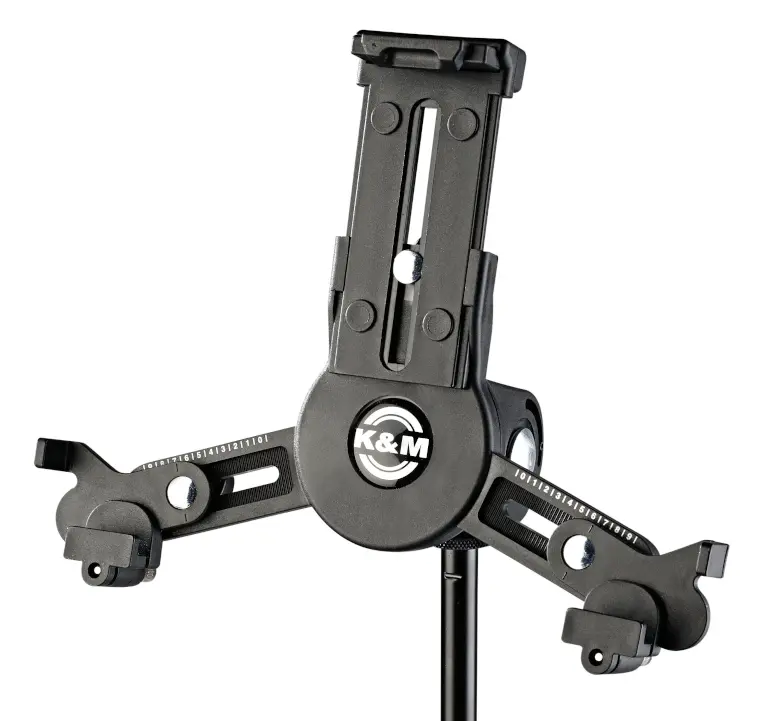
The following model dates back to a time when iPads were smaller. iPads with 10.9- and 11-inch displays will just fit, but without any case and with the supporting arms stretched to the maximum position. It’s ideal for the iPad mini.
The best accessory for music stands
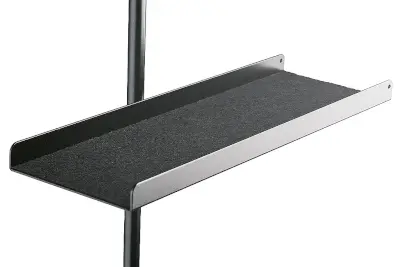
Finally, there is one accessory I wouldn’t want to do without: a music stand tray. With most tablet holders and tablet stands, you can’t attach the Apple Pencil to the magnetic connector on the side of the iPad. And there’s nowhere to put a tuner, cell phone or other accessories. Here’s the solution!
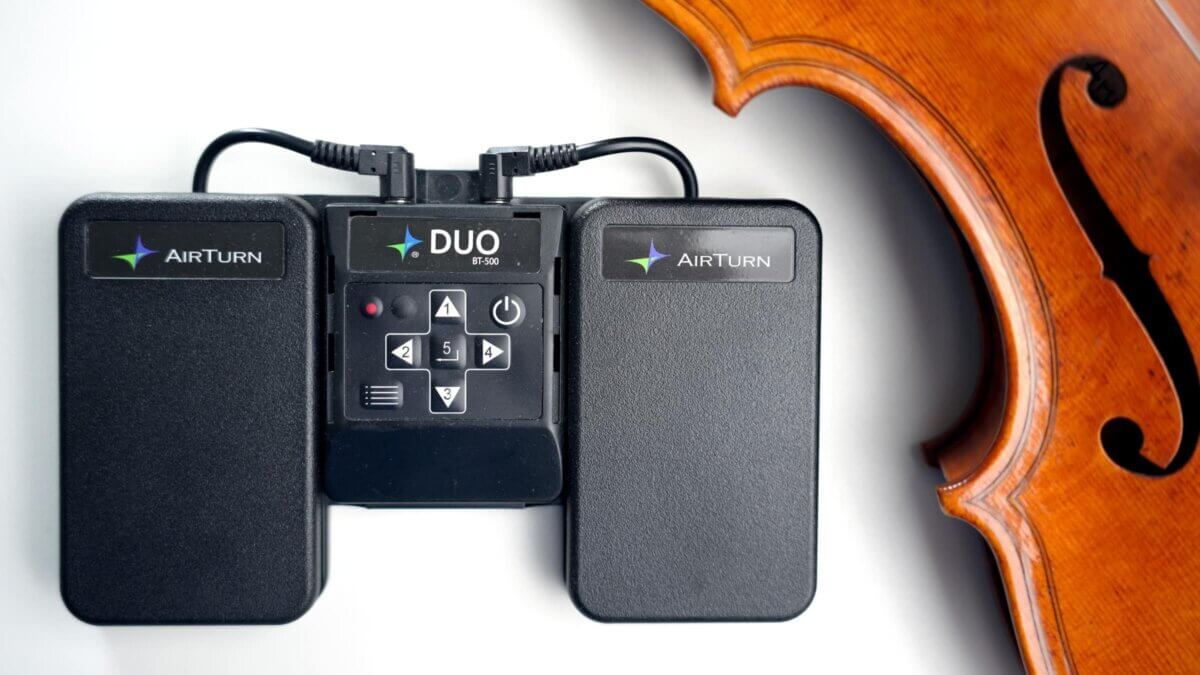
4.2 The best Bluetooth page turners
I have tested 12 different Bluetooth page turners over the years, and have written an entire article about them! Check it out:
4.3 The best iPad cases for musicians
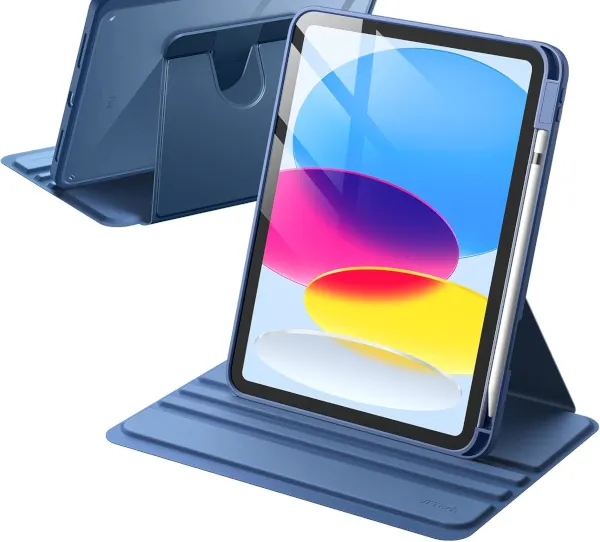
Are there better iPad cases for musicians? Yes, at least in one aspect: most iPad cases are designed to stand only in landscape mode when placed on a table. This is unfortunate, as many musicians use portrait mode most of the time. Personally, I use my tablets almost exclusively in portrait orientation.
Thankfully, there are rotating iPad cases, also known as 360-degree cases. I’ve tested the two most common affordable options: the Fintie and JETech cases. Between the two, I found the JETech to be slightly better.
Don’t expect these cases to be super stable in vertical orientation: they all tend to tip backward easily, due to the high center of gravity. Still, it’s better than having no portrait mode at all!
There are at least two other brands that offer higher-quality portrait mode cases. I hope to test them in the future, but for now, here are the (affiliate) links:
5. Conclusion
For most musicians buying today, the 13-inch iPad Air (M4) strikes the best balance: a big, comfortable screen for a fraction of the Pro’s price. If you regularly play outdoors, or simply want Face ID and the best screen Apple makes, the 13-inch iPad Pro is worth the splurge. And if money is tight, a used 12.9-inch iPad Pro from 2021 or 2022 still does almost everything you’ll need.
Smaller iPads can work very well for lyrics, chord charts, lead sheets, and light use, but for classical scores and serious daily practice, screen size matters more than processor speed. Don’t forget to include a good sheet music app, a protective case, and a reliable page turner in your budget!

10 thoughts on “The Best iPads for Sheet Music in 2026”
I am a singer, have an iPad, and have choral music downloaded to my iPad (in PDF format). How do I enable my iPad to turn ONE page at a time with my finger (not interested in facial gestures apps). At present, the download scrolls freely and a big “swipe” moves too many pages at one time. Thank you.
Hi Elizabeth,
It depends on which app you use to read your sheet music. If you use any of the major sheet music apps, turning one page at a time is the default behavior. Good luck!
Hi, in regards to your thought on 11″ iPad Pro, I use mostly chord charts and lead sheets for performance (keyboardist in band setting) as opposed to full scores, and find the 11″ to be the perfect combination of readable size and portability (to say nothing of being less expensive than the 13″ iPad Pro). With ForScore and an AirTurn Duo, the 11″ does everything I need for this setup and a larger screen would not add any significant advantages.
Thanks for your comment, John. As a classical musician myself, it is not easy to know what musicians of other styles like to use, and your comment is very valuable. I will try to be less negative about smaller iPads in the future. Cheers!
Hi Johannes, Many thanks for very good info! I am wondering why we should avoid the the previous generations (f.i. the 3rd)? Which problems can occur? Quote: “While you should be careful to avoid the first models that are reaching their end-of-life, the 5th (2021, M1 processor) and 6th (2022, M2 processor) generation are still amazing.”
Hi, Ivo,
When an Apple iPad reaches end-of-support (usually 7 years after Apple stops selling them), it officially becomes “obsolete”. Obsolete iPads lose all support: no more repairs, system updates or security patches. Here is the official list of obsolete iPads.
I simply would not invest in an iPad that will soon be obsolete. The production of the 3rd generation iPad Pro 12.9 you mention was discontinued on March 18, 2020, almost 5 years ago. That means it will soon be “vintage” according to Apple. And in two years it will officially be “obsolete”. If you can get a really good price and the iPad and its battery are in good condition, it might make sense.
Wikipedia has a list of iPads and with their “lifespan” here.
Of course, there is also the “performance” aspect, newer iPads are faster and more responsive. And app support also gets worse and worse as a device gets older. And the battery may need to be replaced after a few years.
On the other hand, there are financial and environmental aspects that are important, of course, and I am absolutely in favor of buying used devices, long life, and cheaper battery replacement!
But in my position here, trying to give advice to musicians whose iPad needs to be super reliable on stage and last for many years, I really can’t recommend buying an older iPad.
Cheers
Johannes
How much memory do you recommend? I have lots of string quartet gig music plus teaching music as well. Would 512 gb ram be sufficient?
Hi Danielle,
512GB of memory is absolutely sufficient to store large amounts of sheet music. As a quick calculation, if you have 450GB of free space (some is taken by the system, photos, etc.) for your scores, let’s take a 15-page scan at 300 dpi as an example, which should be 10MB maximum.
You could fit 45,000 (forty-five thousand) pieces of sheet music into this tablet / iPad, which would be an insanely huge digital music library.
For most people, 256GB of memory is more than enough, and even an older 128GB iPad can hold large amounts of sheet music.
Hope this helps!
Thank you. The next question is how to transfer music from the internet or email to the tablet.
Hi, Ester,
you can import music (typically as a PDF) to your iPad from any source: an e-mail, the IMSLP website, Google Drive, iCloud, Dropbox, Microsoft OneDrive… or take pictures via the iPad’s camera.